Automating Blender with Python Event Handlers
Learn how to use Blender’s Python API to listen to events and automate workflows. This guide covers handlers and modal operators with practical examples for production pipelines.
77 articles
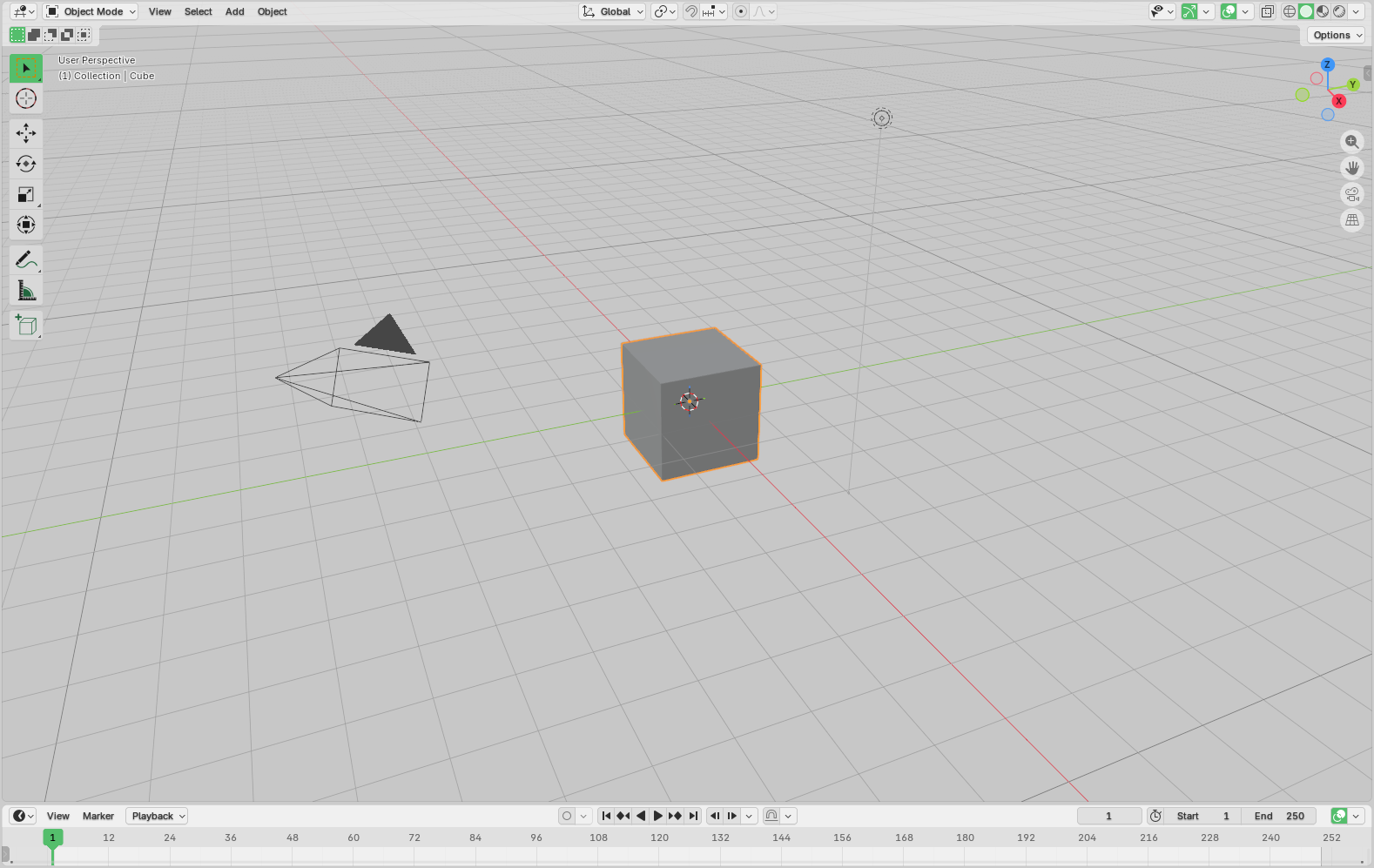
Learn how to use Blender’s Python API to listen to events and automate workflows. This guide covers handlers and modal operators with practical examples for production pipelines.
Learn how to integrate Kitsu with Telegram by building a bot that listens to production events and sends notifications. This guide explains how to connect Kitsu events, trigger messages, and create simple chat commands for production workflows.
Learn what retopology is and why it’s essential for animation. This guide walks through the retopology workflow in Blender, from automated remeshing to manual topology cleanup for production-ready 3D models.
Learn how to use the Kitsu Event API and webhooks to build reactive animation pipelines. Trigger automation instantly on asset creation, task updates, and publishes without polling or manual hand-offs.
Learn how to run Blender Flamenco without a NAS by using Kitsu as asynchronous storage. This guide explains custom Flamenco job types that fetch assets from Kitsu, render locally, and upload results back automatically.
Learn how to use the Gazu Python SDK to extract production data from Kitsu and generate custom, branded PDF reports. Automate progress tracking, task summaries, and stakeholder updates without manual copy-paste work.
Learn how to create, export, and share Kitsu playlists using Python. This guide shows how to extract playlist data, download previews into a clean folder structure, and package everything for offline or client-friendly reviews.
Learn how to build a self-hosted Blender render farm using Flamenco. This guide walks through setup, shared storage, workers, and scaling strategies to help artists render faster using the hardware they already own.
Learn how to package Kitsu workflows into a standalone command-line tool using Python, Gazu, and PyInstaller. This guide covers CLI design, interactive prompts, and compiling a single executable for reliable deployment across studios and render farms.
Get the latest articles delivered to your inbox.
Learn how Blender shaders really work, from node-based materials to procedural shading and Python-driven automation. This guide breaks down shader concepts, node types, and scripting techniques to help artists build flexible, production-ready materials.
Learn how to automate animation and video rendering in Blender using Python. This tutorial covers scene setup, 3D text generation, keyframe animation, and programmatic rendering to build repeatable, script-driven workflows.
Learn how to build a Blender addon that connects to Kitsu to manage asset revisions. This tutorial covers creating, browsing, and loading file versions directly from Blender, keeping production files traceable and in sync with studio workflows.
Learn how to generate low-resolution animation previews in Blender and automatically upload them to Kitsu. This tutorial covers Blender render settings, Python automation, FFmpeg processing, and preview publishing to streamline animation reviews.
Learn how to automate Blender scene creation using Kitsu breakdown data and Python scripting. This guide walks through retrieving breakdowns via Gazu, downloading assets, importing GLB files, and generating a complete Blender scene ready for layout or animation.
Turn your Blender scripts into real tools artists love using—here’s how to build clean, intuitive UI panels for your add-ons.
Learn how to script Blender Geometry Nodes using Python to automate procedural setups, generate node trees programmatically, and build reusable tools for your animation pipeline.
FFmpeg is one of the most powerful media tools used in animation and video production — yet many artists barely scratch the surface of what it can do. Learn 10 essential FFmpeg commands for assembling renders, adding audio, overlaying logos, comparing versions, and optimizing review exports.
Learn how to automate Blender with Python! Discover how scripting can speed up production, eliminate repetitive work, and let you build custom tools tailored to your animation pipeline.
Get the latest articles delivered to your inbox.
Learn how to build a custom Blender integration for Kitsu using Python. This guide walks you through setting up a local environment, generating previews in Blender, and uploading them to Kitsu automatically—streamlining your DCC pipeline for faster, more reliable production.
From BLEND and FBX to MP4 and EXR, each animation file format serves a distinct role in production. This guide breaks down native, exchange, simulation, and rendering formats—helping you choose the right one for collaboration, rendering, and delivery.
Background characters make animated worlds feel alive, adding realism and depth to every scene. Learn how animators use techniques like asset reuse, looping cycles, layering, and procedural generation to create believable crowds without overspending time or budget.
Learn how to create animation moodboards that define your project’s tone, style, and direction. From gathering references to curating layouts, this guide shows how to turn abstract ideas into a clear visual blueprint.
Learn how to master the secondary action principle in animation—subtle, supporting movements that add realism and emotional depth to your scenes without stealing focus from the main action.
Color correction is a crucial step in animation post-production, used to fix inconsistencies, unify tones, and enhance visual storytelling. Learn the essential techniques like white balance, saturation control, and color grading to bring polish and consistency to your animated work.
Over-animating can distract from your story, inflate production time, and overwhelm your audience. Learn how to simplify your animation workflow, focus on what matters, and bring clarity to your scenes with practical, studio-tested advice.
Discover how to apply the arc principle in animation to create more realistic, appealing, and emotionally resonant movement. Learn techniques for planning, visualizing, and exaggerating arcs, and when to break the rules for storytelling impact.
Efficient asset storage is critical in animation production. This guide explores best practices for organizing, securing, and versioning digital assets across large-scale projects and distributed teams.
Get the latest articles delivered to your inbox.
Learn the difference between straight-ahead and pose-to-pose animation, and how to choose the best method for your scene. This guide covers pros, cons, and digital techniques to help animators plan with confidence.
From Japan’s seiyuu stars to iconic Disney performances, voice actors are the lifeblood of animated storytelling. Discover how they shape characters, elevate emotion, and bring entire worlds to life through sound.
In a world filled with AI-generated art, developing a personal animation style is more important than ever. Discover how to explore your influences, evolve your process, and build a style that’s uniquely yours.

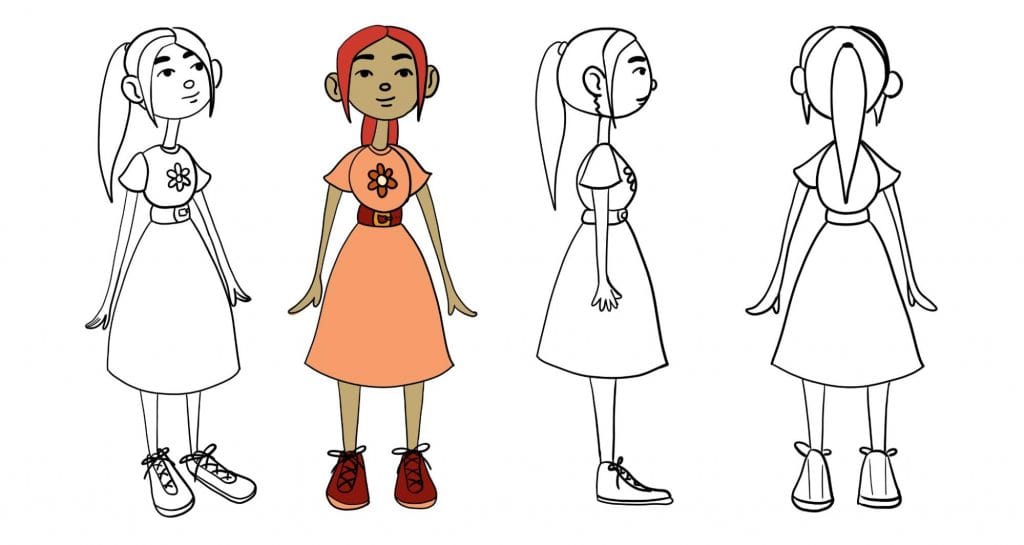
Character sheets are the unsung heroes of animation production. From turnarounds to pose sheets, learn how these vital tools help keep characters consistent, expressive, and production-ready from start to finish.
From iconic silhouettes to strong poses and perfect timing—appeal is what makes animated characters stick. Learn how to master this vital animation principle and build more engaging, memorable work.
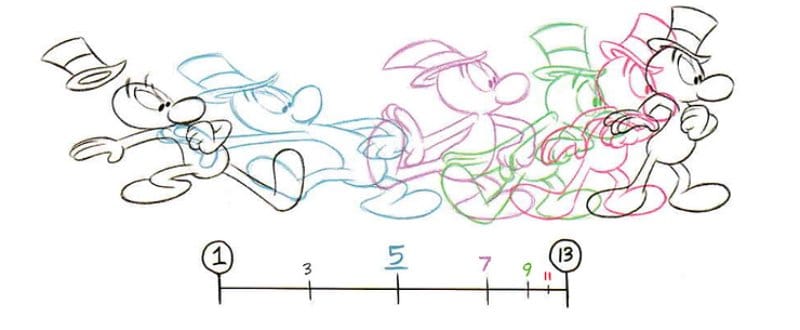
Timing controls the pace, rhythm, and emotional weight of your animations. Learn how to refine your timing using tools like time charts, onion skinning, and motion trails to bring your stories to life.
Onion skinning helps animators see past and future frames at a glance, making smoother motion, better timing, and fewer mistakes possible. Learn how this powerful tool works and why it’s still a must-have in modern animation workflows.
Hard surface modeling is essential to 3D animation—from coffee cups to spacecraft. Learn how artists build detailed environments with the right topology, clean geometry, and time-saving techniques like kitbashing and subdivision modeling.
Exaggeration is a key animation principle that pushes emotion, timing, and poses beyond realism to tell more impactful stories. Learn how animators use it across design, sound, and camera work to create iconic scenes.
Get the latest articles delivered to your inbox.
Levels of detail (LOD) help animators optimize performance by adjusting rendering complexity based on a scene’s needs. From bump mapping to texture baking, learn how LOD keeps 3D animation efficient without sacrificing quality.
The Slow In and Out principle makes animations feel more natural by replicating real-world acceleration and deceleration. Learn how to use easing curves, secondary actions, motion trails, and keyframe placement to create smoother transitions in animation.

Previsualization (previs) is the key to planning complex animation scenes before production. From storyboards to animatics, previs artists shape the blueprint for smooth, cost-effective workflows. Learn how previs enhances storytelling, camera work, and timing!

Follow-through & overlapping action bring realism and fluidity to animation. From hair swaying after a stop to clothing trailing behind movement, these principles add weight and believability. Learn how to apply them effectively in our latest article!

Squash & Stretch isn’t just for cartoons—it’s key to making animation feel natural and dynamic. Learn how this principle adds weight, flexibility, and believability to motion in our latest article.

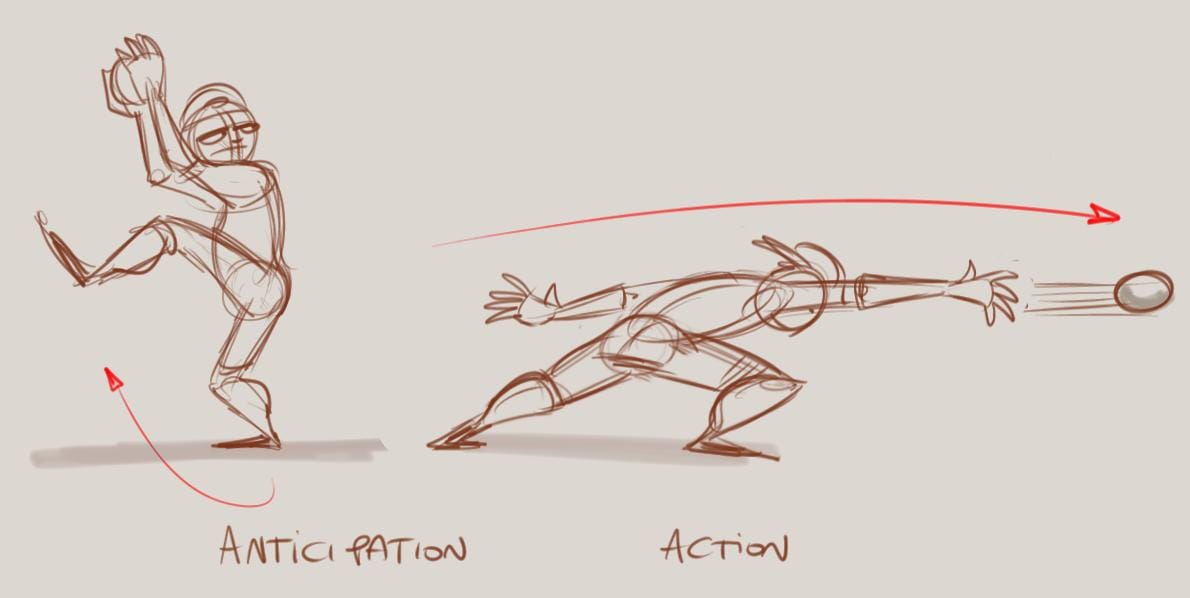
Anticipation is key to making animation feel natural and impactful. Learn how this principle guides movement, builds tension, and enhances storytelling.

The 12 principles of animation are the foundation of every great animation. Developed by Disney animators in the 1980s, these timeless techniques bring characters to life with weight, movement, and emotion. Learn how squash and stretch, anticipation, and staging can elevate your work!
Solid drawing is a cornerstone of the 12 principles of animation, giving characters and objects depth, volume, and movement. Learn how to bring your sketches to life with techniques like form, perspective, balance, and lighting in our latest blog post.
Every great animation begins with a strong script. Learn the essentials of animation scriptwriting in our latest blog post, from formatting and narrative arcs to crafting compelling character dialogues. Discover how to transform your ideas into powerful visual stories.
Get the latest articles delivered to your inbox.
Discover how to break free from creative blocks and find inspiration for your animations. From storytelling techniques to documenting everyday life, this guide is packed with actionable strategies to keep your ideas flowing and elevate your craft.
Rendering transforms 3D models into stunning 2D visuals, bringing animated worlds to life. Dive into the key techniques, tools, and processes that make this essential step in animation production possible.
Animation is for everyone, from storytellers and marketers to teachers and hobbyists. Our beginner’s guide covers animation types, essential tools, and the 12 principles of animation, providing a roadmap to help you bring your ideas to life.
Animation layout is the foundation of immersive storytelling, guiding camera angles, staging, and composition to create visually engaging scenes. Discover how layout artists craft the worlds of animation and bring stories to life with precision and creativity.
Shape language uses geometric forms like circles, squares, and triangles to convey personality, emotion, and narrative roles in character design. Learn how animators use this powerful tool to craft iconic characters and elevate your own designs.
Smear frames are the secret to creating fast, dynamic motion in animation. This article explores how animators use them in 2D and 3D work, with tips to bring energy and speed to your scenes.
Stepped animation allows animators to highlight essential movements by focusing on keyframes first, saving the finer details for spline animation later. Discover how this approach, using step mode in digital content creation tools, streamlines workflow and perfects timing for impactful animation.
Choosing the right laptop for animation can be daunting with so many options and specs to consider. This guide breaks down the essentials—from CPU power to screen resolution—to help you find the best laptop for your animation needs, even on a budget.
Color is a powerful tool in character design, setting the tone for personality and making characters instantly recognizable. This article dives into color theory and essential principles animators use to create impactful color palettes, from symbolic choices to practical tips for harmonious design.
Get the latest articles delivered to your inbox.
Explore the art of 2D animation, where movement and storytelling come to life through techniques like computer animation, stop motion, and motion graphics. From concept to final output, this post breaks down the key stages that make each project unique and engaging.
Have you ever wondered how characters like Elsa from Disney's Frozen or Joy from Pixar's Inside Out 2 seem so life-like on screen? Here is a breakdown of how 3D animations come to life.
From character design to rendering, animators use many software tools in their everyday work. But with so many options, choosing the right one can feel like navigating a labyrinth.
Animators use basic physics and mechanics principles they can bend for a more stylized look. In this article, we go through a few examples of physics and mechanics principles to better put words on animation techniques to create more engaging stories.
In this article, we explore 16 animation techniques to make your work more engaging. It usually doesn’t take much to get it right, but the devil is in the details and a single edit can make your animation memorable.
As our invisible eyes, the camera in animation has an active role. By meticulously controlling its movement, animators achieve a variety of effects to engage the viewers―far beyond simply showing us what's happening on screen, it's a powerful storytelling tool often unseen.
The very nature of the animation pipeline, with its collaborative workflows and reliance on digital assets, creates a unique set of security challenges: protecting these valuable IP assets from unauthorized access, leaks, or malicious attacks
Few topics are as divisive as AI. On one hand, you find outraged artists whose artworks are being illegally ingested by algorithms. On the other, a new wave of creators leveraging AI for self-expression or monetary gains.

The seamless integration of various tools and platforms has become necessary in the ever-evolving domain of animation and VFX productions. For efficient communication, every studio needs a production tracker and an asset manager.
Get the latest articles delivered to your inbox.

When we started CGWire we were looking for open-source technologies to go faster to build CG pipelines. We found numerous of them but it…

Agile methodologies are well known among the web industry. They are designed to handle unpredictability of building software, especially in…

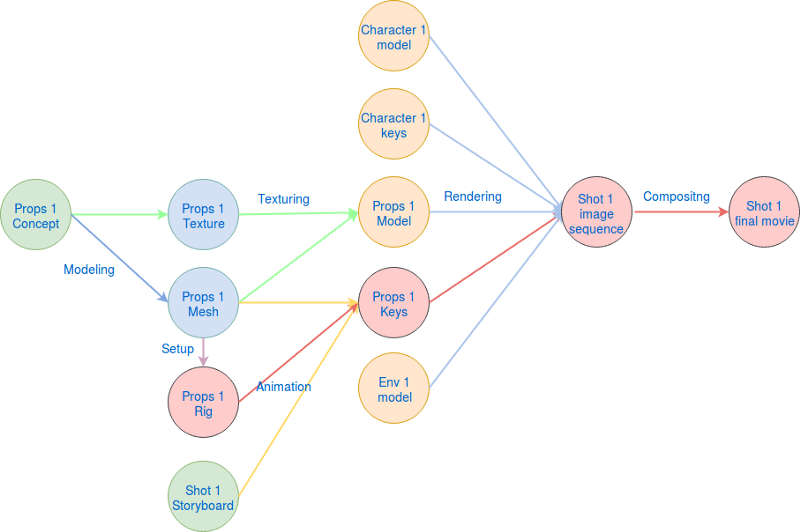
Every shot in a CG production is made of assets built mainly by Modeling and Setup departments. These assets can be of any kind: character…

We all have our own way of working. Depending on our context, our team or our culture we can approach the exact same problem with very…

A few months ago, we started a community of CG Pipeline Engineers. To achieve that, we invited people to discuss on a private Slack…

As we mentioned in a previous blog post, A CG production can be represented as a graph structure. A movie is made of shots which are…

Having a shared database for all your tools is mandatory to ensure a good flow between them. But sometimes you need a simpler access to…

For CG artists, working on a new file which is clean means more productivity. When nodes are properly named, when positions of elements are…

One the principal reason to track every file and asset in a production is to manage the dependencies between them. It’s crucial to know…
Get the latest articles delivered to your inbox.

In any field, whatever your expertise level is, it’s a good idea to stop by in order to study the state of the art of your profession. Our…

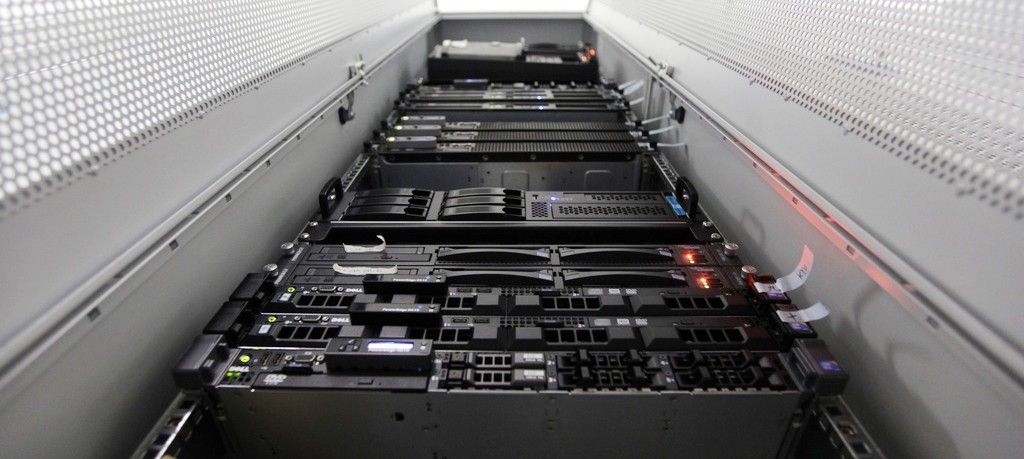
The render farm allows graphic designers and render team to submit computing jobs to a range of server. That way they can handle very…

One of the most critical action of a production is the validation step. Every assets and components built must be reviewed by directors and…

File storage is still a big issue for any CG production. The many softwares involved lead to a constellation of files in which it’s hard to…
CGWire is a new company that allows graphic designers and producers to focus more on the artistic side of their work. We propose software…