

At CGWire, the number one reason we hear people want to leave Shotgrid is its cost and complexity: the per-seat licensing, the enterprise support tiers, the consultant and maintenance fees, and the years of institutional knowledge baked into a platform that someone else controls. A mid-sized animation studio running 40 seats can easily blow up a budget.
Kitsu is the alternative that has quietly matured into a solid production tracker. It's open-source, actively maintained by our team, built around a clean REST API, and yours to host and own. Artists actually like using it, which is not trivial when you're asking them to change their daily workflow.
The problem is that a Flow-to-Kitsu migration is a real engineering project. Studios that plan the migration as carefully as they'd plan a show delivery come out with lower costs, more control, and a pipeline architecture they understand end-to-end. This guide will help you get started.
Before touching a single config file, the first task is understanding exactly what you have in Autodesk Flow.
Phase 1: Audit and Assessment
Most studios have accumulated years of technical debt inside their Flow instance: custom fields added for a single show and never removed, pipeline steps that reflect a workflow nobody uses anymore, and integrations that three different TDs built in three different ways. A feature film production might have hundreds of custom fields spread across shot, asset, and task entities.
The audit starts with a full analysis of every entity type: projects, shots, assets, tasks, playlists, versions, and notes. The Flow Python API makes this scriptable, and scripting it is the right call because the same code will become part of your migration pipeline in Phase 3.
In parallel, you need to document every pipeline tool that reads from or writes to Flow: loaders, publishers, status hooks, review integrations, and any custom webhook receivers. Tools with five or more downstream dependencies are high-priority migration risks. A studio that integrated Ftrack's review tool, Deadline's status callbacks, and a custom Nuke publisher all through Flow's webhook system will need to budget significant re-wiring time.
The audit also means talking to department supervisors. Most studios are surprised by what they hear. Supervisors often report that they stopped using Flow's bidding tools two productions ago because the interface was too slow, or lighting supervisors may have built their own spreadsheet workarounds for tracking render versions because Flow's version comparison wasn't good enough. Knowing which features are genuinely used versus which features people have worked around determines where migration effort actually needs to go to reach minimum feature parity: entity counts, API call volumes per day, integration map, and a list of features that actually matter.
With the audit complete, the planning phase translates what you have in Flow into what you'll build in Kitsu.
Phase 2: Planning and Architecture
Shotgrid and Kitsu don't share the same database schema, so we need to map the two platform architectures.
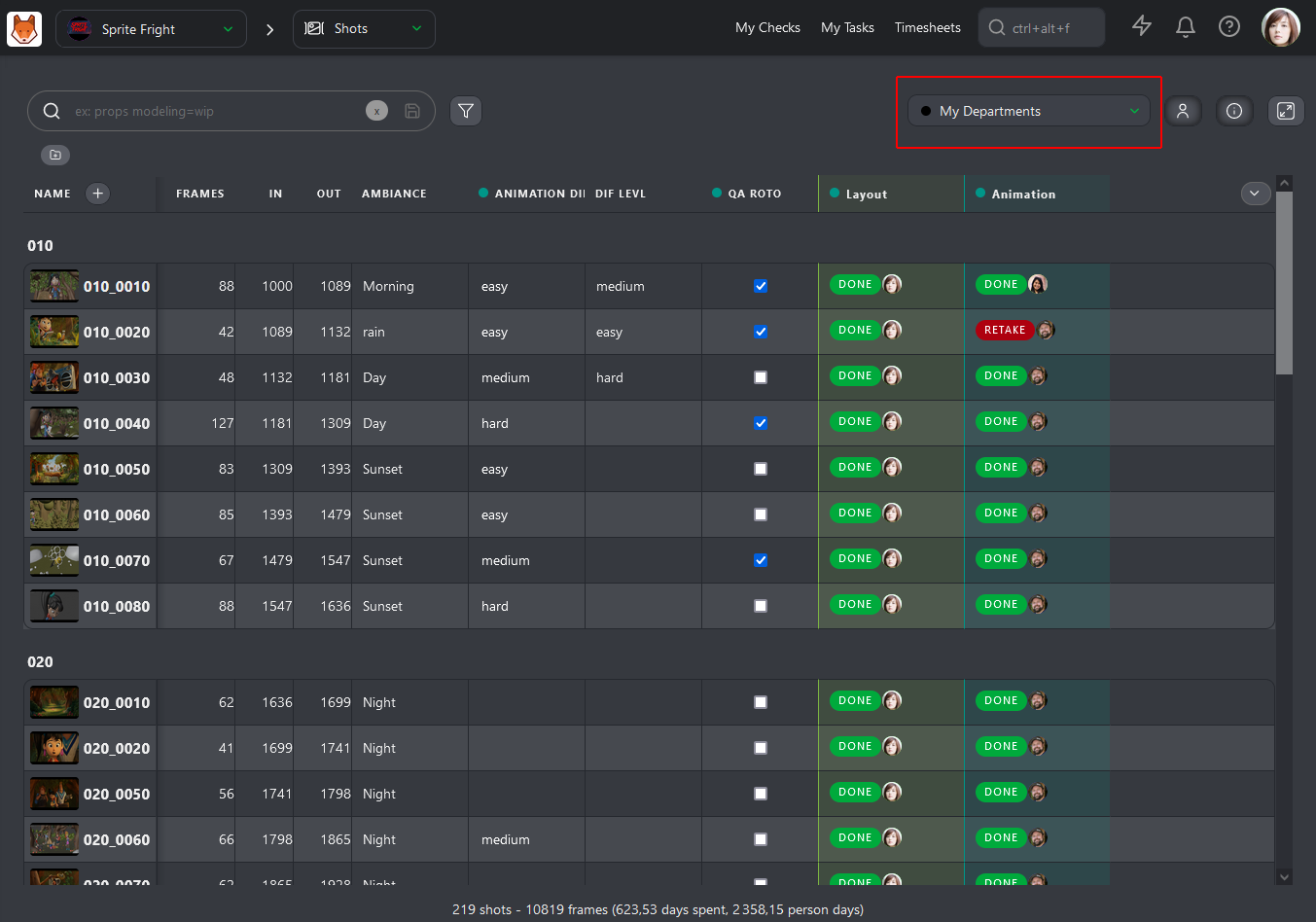
In Flow, a Shot entity holds a lot of the production metadata directly. In Kitsu, the equivalent data might live on the Shot entity, on a linked task, or on a custom attribute, depending on how you configure the instance. A studio migrating a show with 800 shots and 12 task types per shot needs to define that mapping beforehand.
The self-hosted versus Kitsu Cloud decision also happens here.
Self-hosting gives complete control, can cost less at scale, and keeps production data behind your own firewall, which clients in certain markets require. The tradeoff is that a DevOps engineer needs to own the deployment, backups, and uptime.
Kitsu Cloud removes that burden at the cost of a monthly fee and dependency on CGWire's infrastructure.
On-premise deployment threads the needle between the two: your data stays physically inside your facility and under your security policies, but you can run it on managed hardware or a private cloud appliance without building Kubernetes expertise from scratch.
Every integration / automation identified in Phase 1 gets a written decision: port, replace, or retire. SGTK-based loaders can get ported to gazu (Kitsu's Python SDK) or a custom Kitsu Python client. The review feature gets replaced with Kitsu's native review engine. A webhook receiver that was only ever used for one show can retire.
The list becomes the engineering work breakdown that will drive the migration timeline. The migration is "complete" when every item on that list has been resolved and documented, not when the last shot imports successfully.
The data migration phase is where plans meet reality.
Phase 3: Data Migration
The first step is building scripted export paths from Autodesk Flow for every entity type: shots, assets, tasks, versions, notes, and playlists.
Python scripts using the Flow REST API work well here, and writing them as logged ETL jobs rather than one-off scripts pays off when you need to re-run them after fixing a mapping error. A studio migrating a 500-shot episodic series should expect to write separate export scripts for each entity type, each with its own field mapping table and validation step.
Export targets should be JSON rather than CSV because CSV flattens nested structures like note threads and version links that are central to the migration, and you'll lose data silently. One JSON file per entity type, with a manifest file that records row counts and checksums, gives you something to validate against before the import side runs.
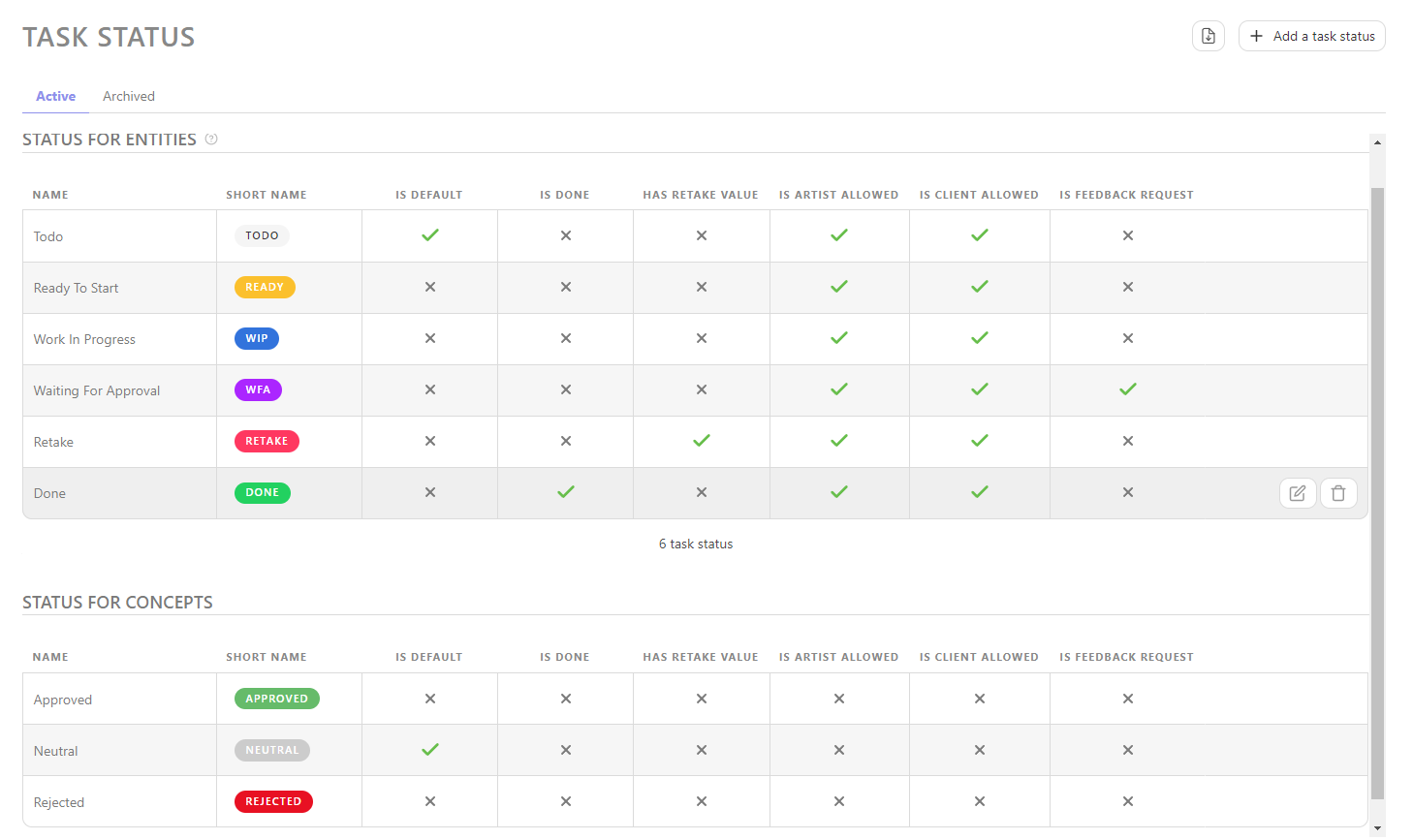
Task status mapping deserves special attention: Flow and Kitsu use different status vocabularies, and the mapping is rarely one-to-one. A Flow status of "rev" (pending review) might map to "wfa" (waiting for approval) in Kitsu, but a Flow status of "hld" (on hold) may not have a direct Kitsu equivalent and requires a manual decision about where those shots land. Every status, pipeline step, and task type needs a documented mapping in a shared spreadsheet before the migration scripts run.
A pilot migration on a single completed project is non-negotiable. Running the full import pipeline against a project that's already wrapped gives the team a safe environment to catch schema mismatches, encoding issues, missing thumbnails, and broken note threads without any production risk. Active projects move last, after all validation is done.
The recommended approach is to spin up a local Kitsu test instance using the official cgwire/kitsu Docker image to give you a fully functional environment in under ten minutes.
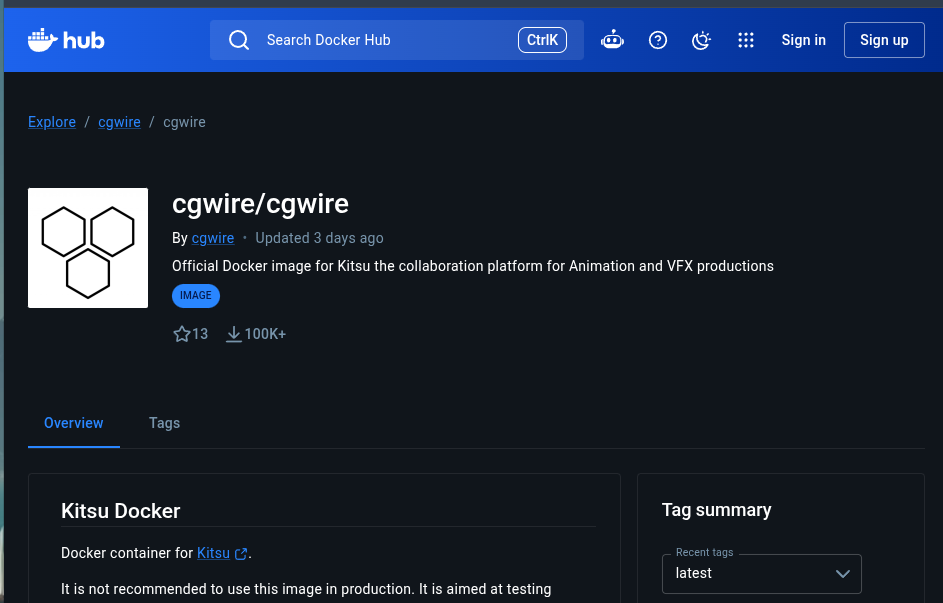
Point your import scripts at that instance, run the full pipeline, then use gazu to query the result and diff it against your export manifests.
With the data migrating cleanly, the tool layer is the hardest part of the project.
Phase 4: Tool and Integration Re-wiring
This is where the production pipeline gets even more complex: the Nuke publisher that stamps a version into Flow on every render submission, the Maya loader that checks out the latest approved asset, the Deadline callback that flips a task status when a farm job completes... every one of these tools has Flow hardcoded into its integration logic, either through SGTK session calls or direct API requests.
Kitsu covers the core tracking operations that matter here but differs from ShotGrid in a few ways worth identifying before re-wiring begins:
- Casting and breakdown are native in Kitsu with dedicated views, whereas ShotGrid handles them through entity relationships that require more setup.
- Quota and timesheet tracking ties directly to schedules and task types in Kitsu, which simplifies per-artist charge planning without the custom configuration ShotGrid typically needs for the same result.
- On review, Kitsu generates shareable playlist URLs a team member can open and annotate. ShotGrid keeps review inside the application, with external sharing usually handled by a companion tool.
- The APIs differ too: Kitsu exposes a REST API with gazu as its documented Python client, while ShotGrid's proprietary Python API is well established in VFX but remains inside the Autodesk ecosystem.
- The one capability Kitsu does not replicate is a file system template manager. The logic lives in SGTK, and it has to be rebuilt explicitly.
SGTK-based tools need to be replaced or re-wrapped. Again, the CGWire team maintains gazu to cover most of the operations that SGTK's tk-core handles. A publisher that was using sgtk.platform.current_bundle().shotgun.find_one() to look up a Shot entity gets replaced with gazu.shot.get_shot_by_name(). The logic is the similar. Studios that built their entire pipeline on SGTK's context and template system will need to replicate that path-resolution logic in their own code. Some studios use that moment to adopt a more explicit path convention and simplify years of accumulated SGTK template complexity.
Testing is where the migration earns its right to go to production.
Phase 5: Testing and Validation
Representative shots run through the full Kitsu chain: task creation, status updates, file publish, version upload, playlist review, and delivery. "Representative" means shots that cover the edge cases instead of just the happy path. A multi-sequence project with 1,200 shots and shared assets will surface data model problems that a 50-shot test project never would. A sequence with nested asset hierarchies, a shot with 40+ tasks, a version with client-facing annotations are good examples of shots that should go into the stress test.
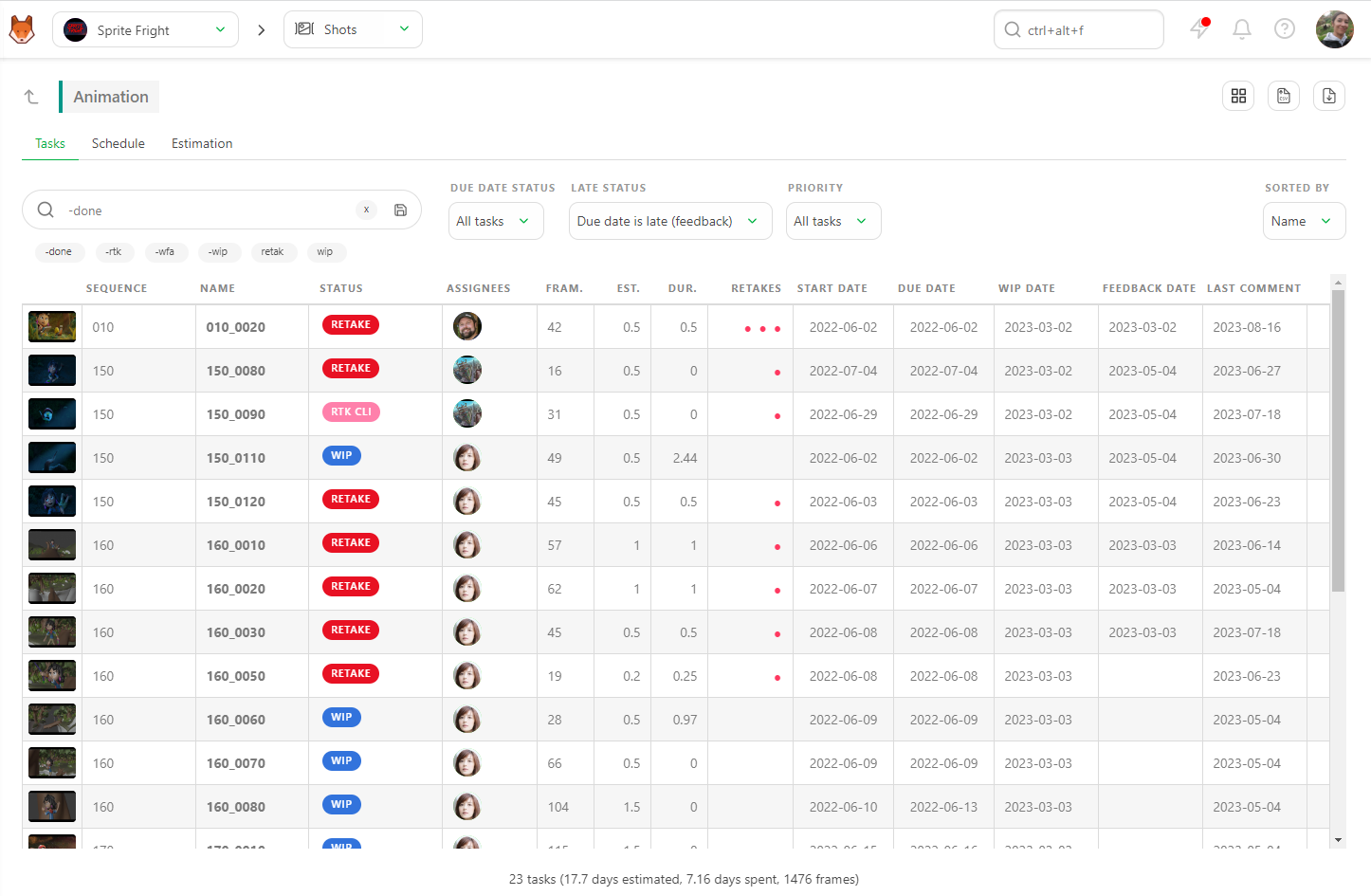
Data verification means cross-referencing a sample of migrated records against the original Flow data with a reviewer per entity type. A coordinator confirms that shot metadata matches. A TD confirms that version file paths resolve correctly. A supervisor confirms that notes and annotations transferred with the right author attribution and timestamp. Studios that skip this step can find data integrity problems three months after migration.
Permission and access model testing often gets deferred until late in the process, but Kitsu's role system is different from Flow's: Kitsu uses a simpler access model with fewer built-in privilege tiers, which means studios with complex Flow permission setups will need to re-implement some of that logic through task type visibility rules and project membership. A studio that had Flow configured so that clients could view but not download versions needs to map that behavior to Kitsu's client access model. Testing this with actual client-facing accounts before going live avoids an embarrassing oversharing incident on the first client review.
Technical migration can be perfect and the rollout can still fail if the artist communication is handled poorly.
Phase 6: Artist Training and Rollout
The rollout sequence that works is: supervisors first, then a pilot team, then one department, then the full studio. Announcing the migration to the entire studio on day one before supervisors have been briefed guarantees an inbox full of confused complaints that they can't answer.
Written documentation should cover the ten workflows that artists execute every day, written as task-oriented steps: "How to check your current task status" is more useful than "Introduction to the Kitsu task board." A compositing department that has 15 artists checking task status and uploading versions eight times a day needs documentation that matches exactly what they do, using Kitsu's actual interface language. Screenshots from the live Kitsu instance are more valuable than any amount of written explanation.
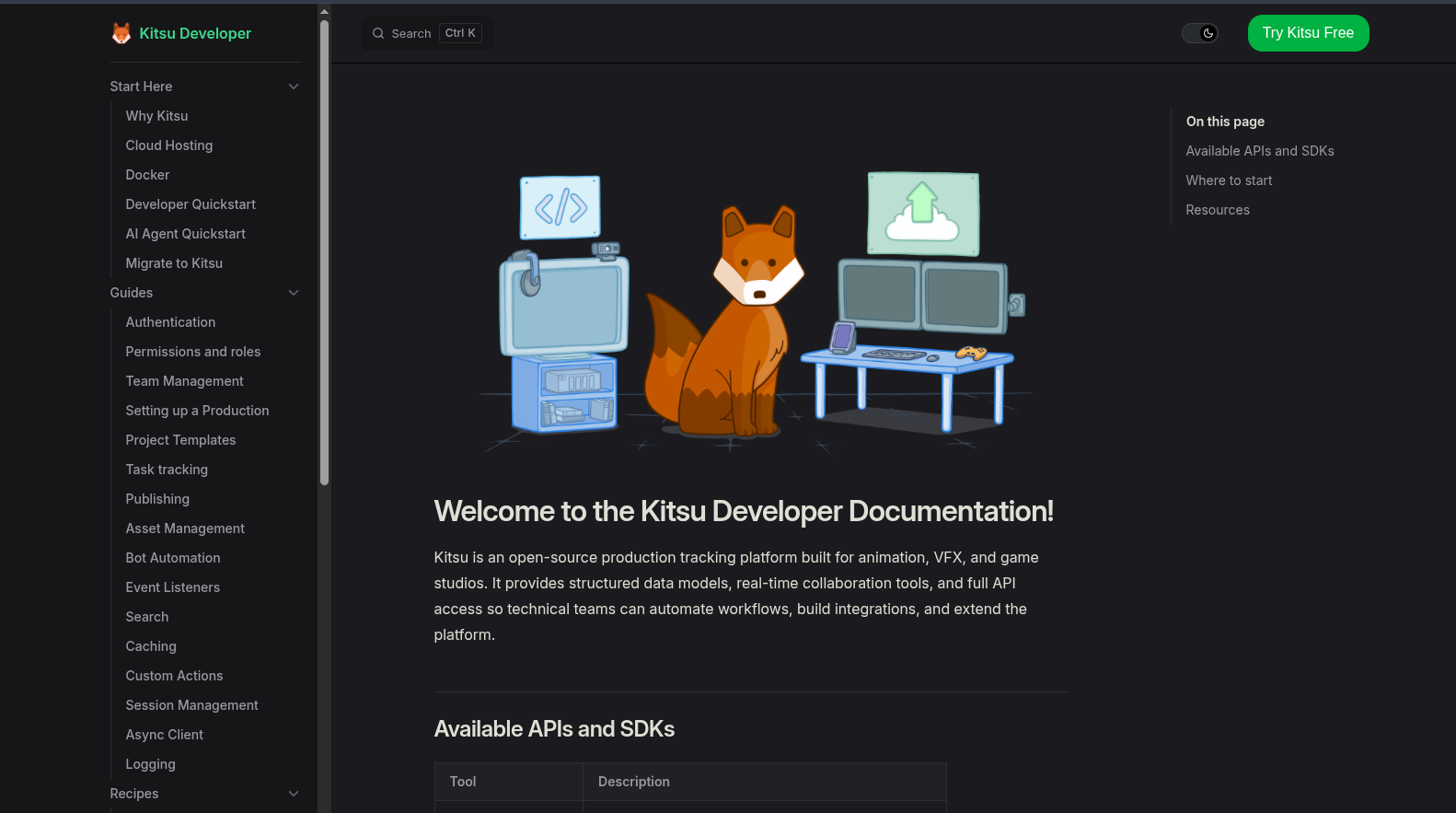
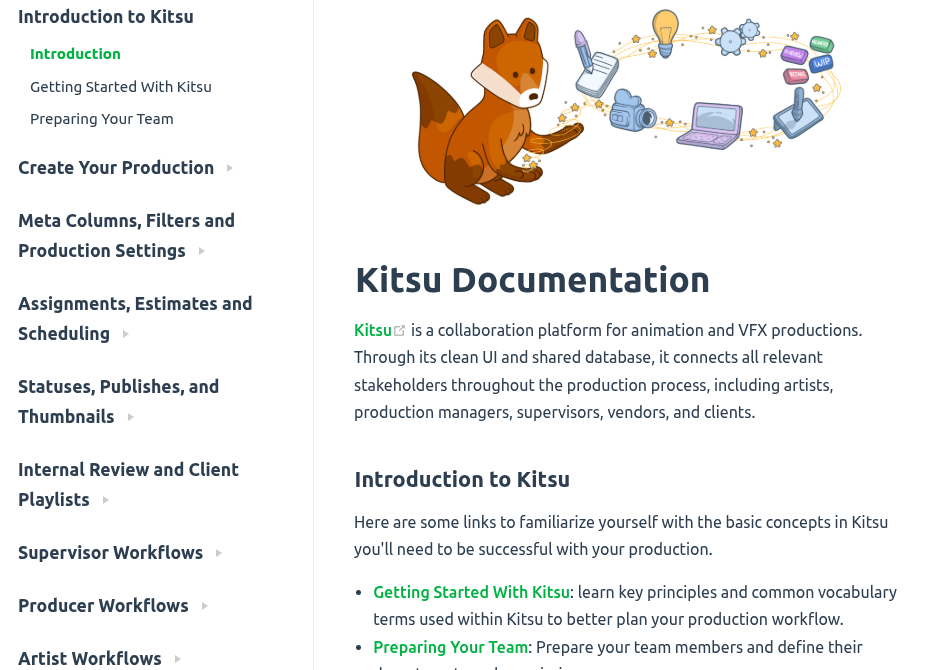
You can refer to our product documentation for common workflows for artists, supervisors, producers, and clients.
Training sessions should use real Kitsu data from an actual migrated project. Showing an animator their real tasks, their real asset assignments, and their real deadline information in Kitsu removes the abstractness that makes training feel disconnected from daily work.
Each department can also designate a Kitsu champion, someone who went through training a week earlier, solved a few real problems, and can field the first wave of questions before the pipeline team needs to get involved. The champion for the rigging department at one mid-sized studio can resolve 80% of first-week questions without escalating a single ticket, simply because they had been using the system longer than everyone else.
During the overlap period, both Flow and Kitsu are live, which is operationally uncomfortable but often necessary in our experience.
Phase 7: Parallel Production and Stabilization
Autodesk Flow stays accessible with an assigned engineer who can diagnose issues and pull data if needed. Shots in final delivery usually stay in Flow for the duration because pulling a work-in-progress shot into the new pipeline mid-stream is a risk that rarely justifies itself. A show delivering finals in six weeks stays on Flow for those six weeks.
Every Kitsu integration issue gets logged in a dedicated queue and reviewed weekly for patterns. A single artist reporting that the Kitsu Python client times out on large version uploads is a support ticket. Five artists from three departments reporting the same thing in the same week is a systemic issue that probably traces to a server configuration problem and needs to go to the top of the queue immediately.
A feature freeze during the transition window is worth enforcing even when the pressure to add things to Kitsu is high. When a studio is three weeks into parallel production, every department has a wishlist of Kitsu customizations: new task types, custom statuses, additional metadata fields. Adding those customizations while the pipeline is still being stabilized creates moving targets for the tools team and makes debugging harder.
The Flow subscription cancellation happens only after every active project has been confirmed migrated, archived, and signed off by a reviewer.
Phase 8: Decommissioning and Documentation
Supervisors signing off that a show is fully on Kitsu is not the same as a TD verifying that the archived Flow data is complete, exportable, and recoverable. Both checks need to happen before anyone touches the subscription settings.
Before the subscription ends, a full archive of all Autodesk Flow project data should get exported in a portable format: JSON from the API, CSV exports of entity lists, and downloaded versions of any media stored in Flow's file system. An animation studio can discover two years after decommissioning their Flow instance that a client is requesting version history from a delivery dispute on an archived show. If you maintain a JSON export of all your Flow task and version records, pulling that history without reactivating the subscription is trivial. The export takes a weekend and costs nothing.
Documentation for the new Kitsu pipeline covers the entity model, task type definitions, integration points, and config locations in a format that a new pipeline TD can read without needing to reverse-engineer the setup from the code.
A formal post-mortem on the migration captures what worked, what caused delays, and what the studio could do differently. That document is worth distributing across the whole studio because the lessons from a production pipeline migration apply to every major system change the studio will make in the future.
Conclusion
A Shotgrid-to-Kitsu migration done systematically produces a studio that pays less, understands its own tools, and owns its production data.
The studios we saw pull it off cleanly shared one characteristic: they started the audit before they had an urgent reason to leave. When a licensing renewal is three months away and the quote just arrived, the pressure to cut corners on the planning phase is huge. But cutting those corners is exactly where migrations fail.
The best time to start the audit is now: document the integrations, map the custom data schemas, and understand the real cost of the status quo. What that audit reveals will either clarify that the migration is the right move or surface the specific problems that need to be solved first.
The CGWire team offers direct migration support for studios moving from ShotGrid to Kitsu. Don't hesitate to reach out before committing to a timeline: knowing what we've seen go wrong in other migrations is worth more than most of the planning time you'll spend without that context.