Why Camera Tracking Matters in CGI Production
In CGI production, the camera defines the shot. Every element from environments, props, effects, character animation, lighting, to rendering is built around it. In motion capture projects, the camera often defines the entire sequence.
Because so many departments depend on camera data, managing cameras correctly is critical to keeping production on schedule and avoiding costly rework.
What Defines a Camera?
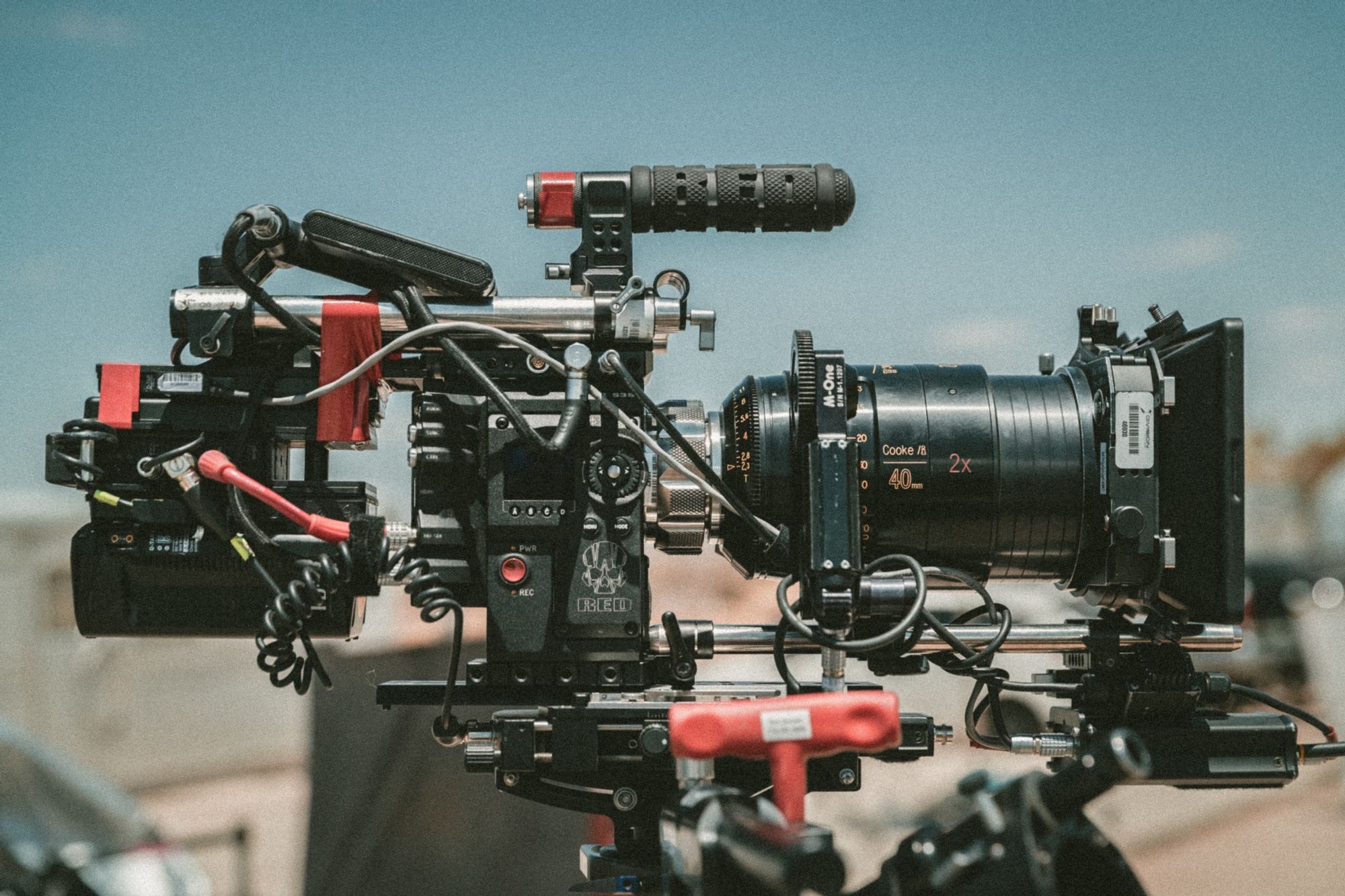
A production camera is more than just a viewpoint. It contains several key pieces of information:
- Frame range (frame in, frame out, and shot duration)
- 3D coordinates (start and end positions)
- Path and movement speed
- Lens settings (focal length, focus distance, and f-stop)
- Camera name and version
One important thing to remember: camera data evolves throughout the production process. Understanding that lifecycle helps teams manage changes effectively.
The Camera Lifecycle
A camera is gradually defined as the project moves through production.
1. Script
The first version of a camera exists in the script. Written descriptions suggest framing, movement, and visual intent.
2. Storyboard
Storyboards make those ideas more concrete by defining:
- Camera angles
- Composition
- Character action
- Basic movement
3. Animatic / Previs
At this stage, timing becomes part of the camera definition:
- Shot duration
- Editing rhythm
- Camera speed and motion
4. Layout
Layout artists create the camera in 3D space by defining:
- Camera position
- Camera movement
- Lens settings
- Technical shot specifications
Because multiple options are often tested, clear camera naming and versioning are important.
Expect Iteration
Camera development is rarely linear. Feedback, creative decisions, and technical constraints often require revisions. As production progresses, each stage adds more information to the camera, making later changes increasingly expensive.
Camera Validation
Every production stage typically requires approval from supervisors, directors, and clients.
As a camera moves from script to layout, it becomes more deeply integrated into the production pipeline. As a result, changes become more difficult and costly.
Why Do Cameras Change?
Camera updates usually happen for one of three reasons:
- Client feedback or retakes
- Technical issues discovered by the team
- Creative or production optimization
Sometimes a small camera adjustment can solve a major problem. Moving the camera slightly may be far more efficient than reanimating characters, rebuilding effects, or reworking environments.
Who Depends on Camera Data?
Once layout is complete, nearly every department relies on the camera.
Animation
Animation is particularly sensitive to camera changes because adjustments may occur late in production. In some cases, modifying the camera is faster and less expensive than reanimating assets.
FX, Lighting, and Rendering
These departments cannot begin their work without a validated camera.
The camera frame determines:
- What must be simulated
- What needs lighting attention
- What should be rendered
- What can safely be ignored
For example:
- There's no reason to simulate effects outside the frame.
- There's no need to animate facial expressions that will never be visible.
- Lighting work should focus on what the audience actually sees.
This approach reduces unnecessary work and improves efficiency.
Rendering and Compositing
Rendering is often one of the most expensive stages in CGI production.
Camera errors can lead to:
- Missing frames that require re-rendering
- Extra frames that waste render farm resources
- Incorrect composites that must be rebuilt
- Client rejections and expensive revisions
In the worst-case scenario, a shot is fully rendered and composited using an outdated camera. If the client rejects it, the entire process must be repeated.
Poor camera communication quickly becomes a major production risk.
Best Practices for Camera Management
The following practices help reduce errors and keep teams aligned.
1. Define Camera Change Rules Early
Clarify with the client how much camera adjustment is allowed after approval.
Then communicate those rules to the entire team.
2. Clearly Identify Approved Cameras
Use a consistent naming convention and clearly mark approved versions.
Everyone should know which camera is the official version.
3. Compare Shots Between Stages
Review images side by side when a shot moves between departments.
Look for:
- Framing differences
- Position changes
- Lens changes
- Timing discrepancies
Detecting issues early prevents costly downstream fixes.
4. Communicate Retakes Clearly
When requesting changes, specify whether the revision affects:
- The camera
- Character placement
- Props
- Environment elements
Avoid ambiguity.
5. Keep Camera Ownership with Layout
If a camera requires modification:
- Send the request to Layout
- Update the camera
- Assign a new version name
- Export and publish the updated file
It makes sure everyone receives the change.
If departments make camera edits locally without publishing them, other teams may continue working with outdated versions.
6. Display Frame Numbers or Timecode
Burn frame numbers or timecode into review media whenever possible.
This makes frame-range errors immediately visible during reviews.
7. Store Approved Cameras in a Dedicated Location
Create a single source of truth for approved camera exports.
Make sure every team knows:
- Where approved cameras are stored
- Which version is current
- Who is responsible for updates
8. Track Camera Information in Production Software
For every shot, record:
- Frame in
- Frame out
- Shot duration
- Camera version
- Approval status
This information should be visible to production, artists, and supervisors.
9. Encourage Artist Verification
Ask artists to verify:
- Frame ranges
- Camera versions
- Published files
before starting work.
A simple verification step can prevent days of rework.
Treat Cameras as Production Assets
The most effective way to prevent camera-related issues is to manage cameras like any other production asset.
Minimum Requirements
- Include cameras in your asset tracking system
- Add validation and approval workflows
- Define a consistent naming convention
- Store exports in approved locations
- Track versions throughout production
By treating cameras as assets, you ensure that every department works from the same source of truth.
Final Thoughts
Accurate camera management saves time, money, and stress. Since nearly every department depends on camera data, even small mistakes have a significant impact on production costs and schedules.
By implementing clear ownership, version control, validation procedures, and communication practices, you can dramatically reduce the risk of rework and keep your production moving smoothly.
The goal is simple: make sure everyone is always working with the right camera!