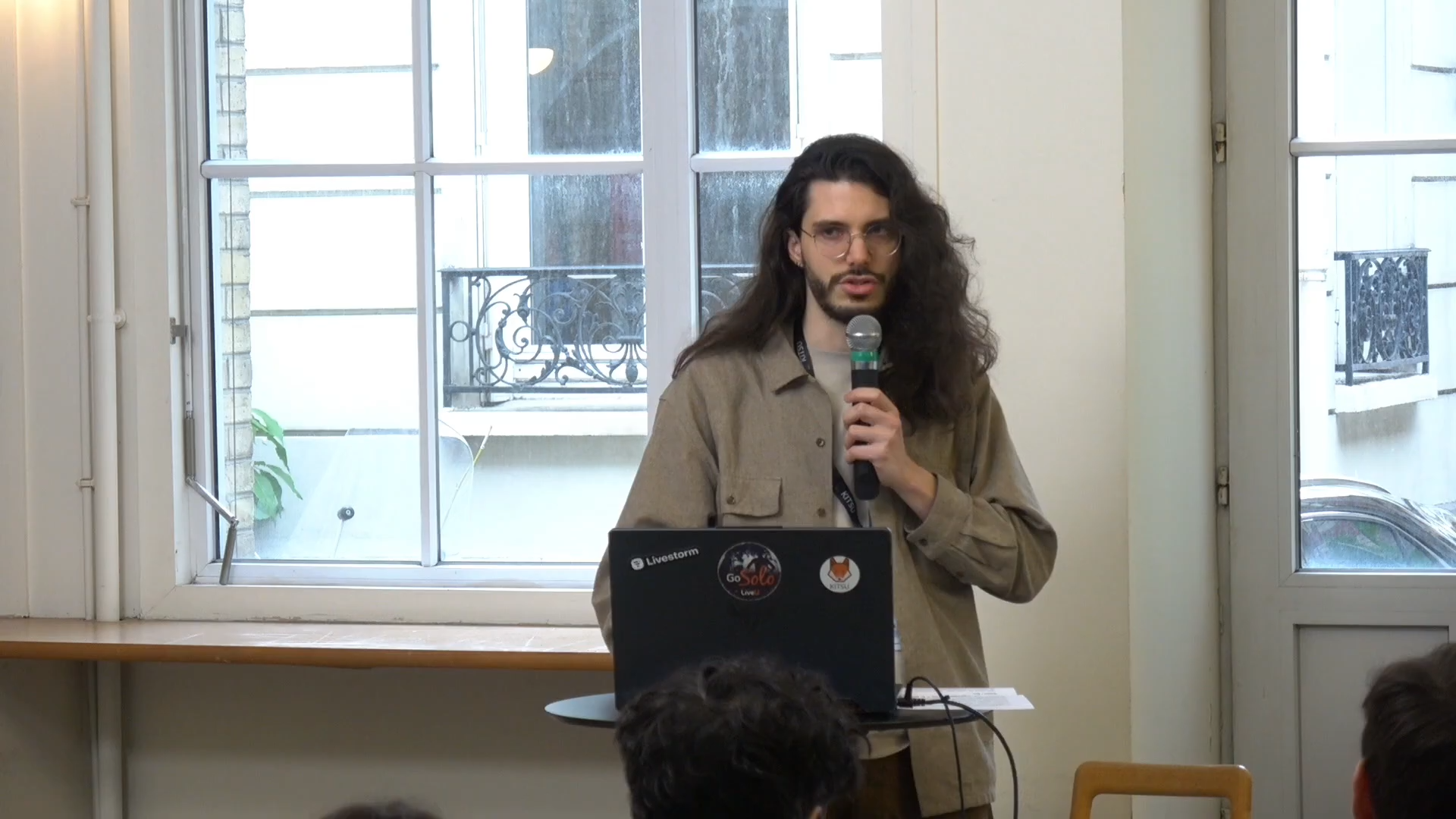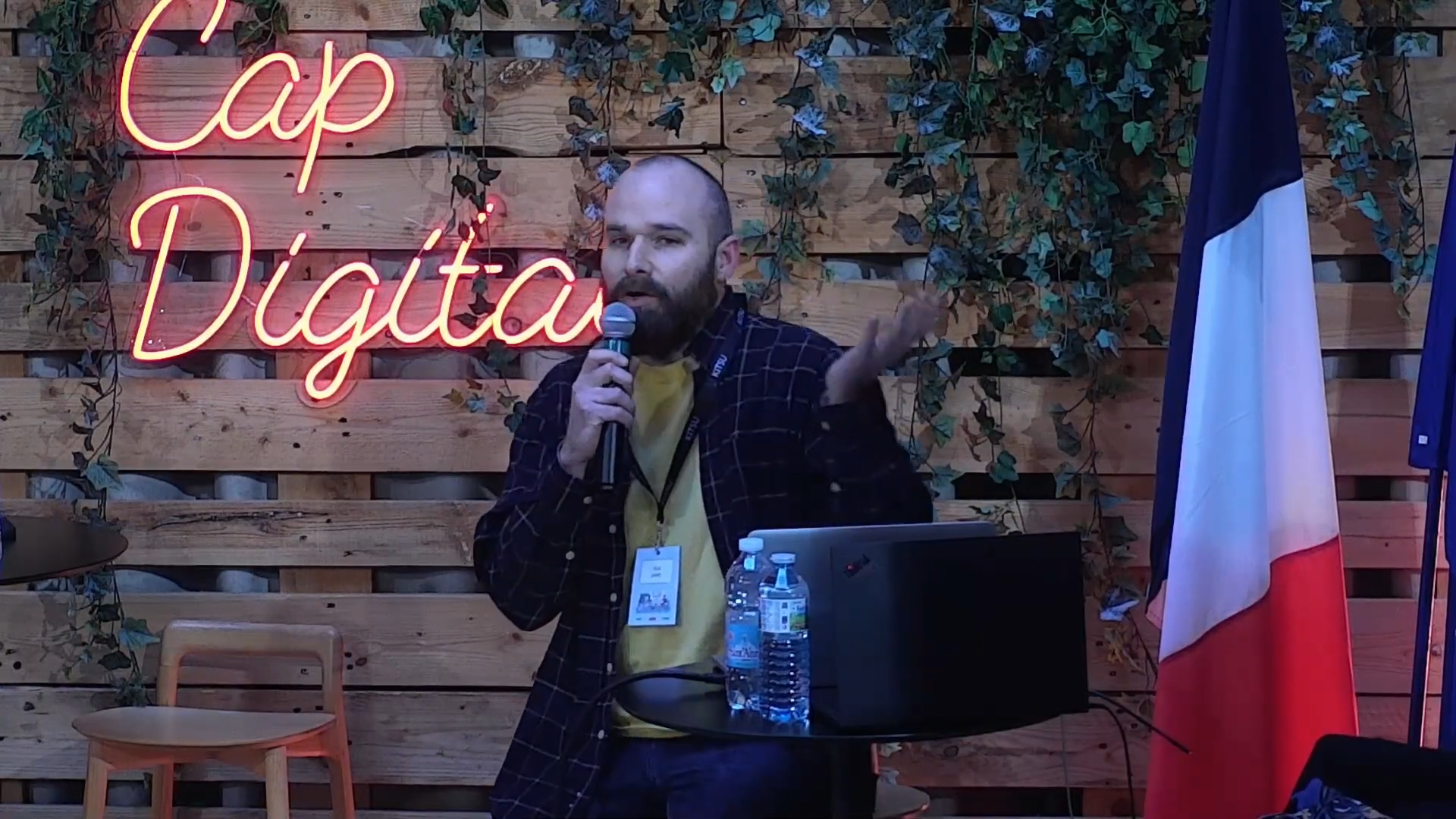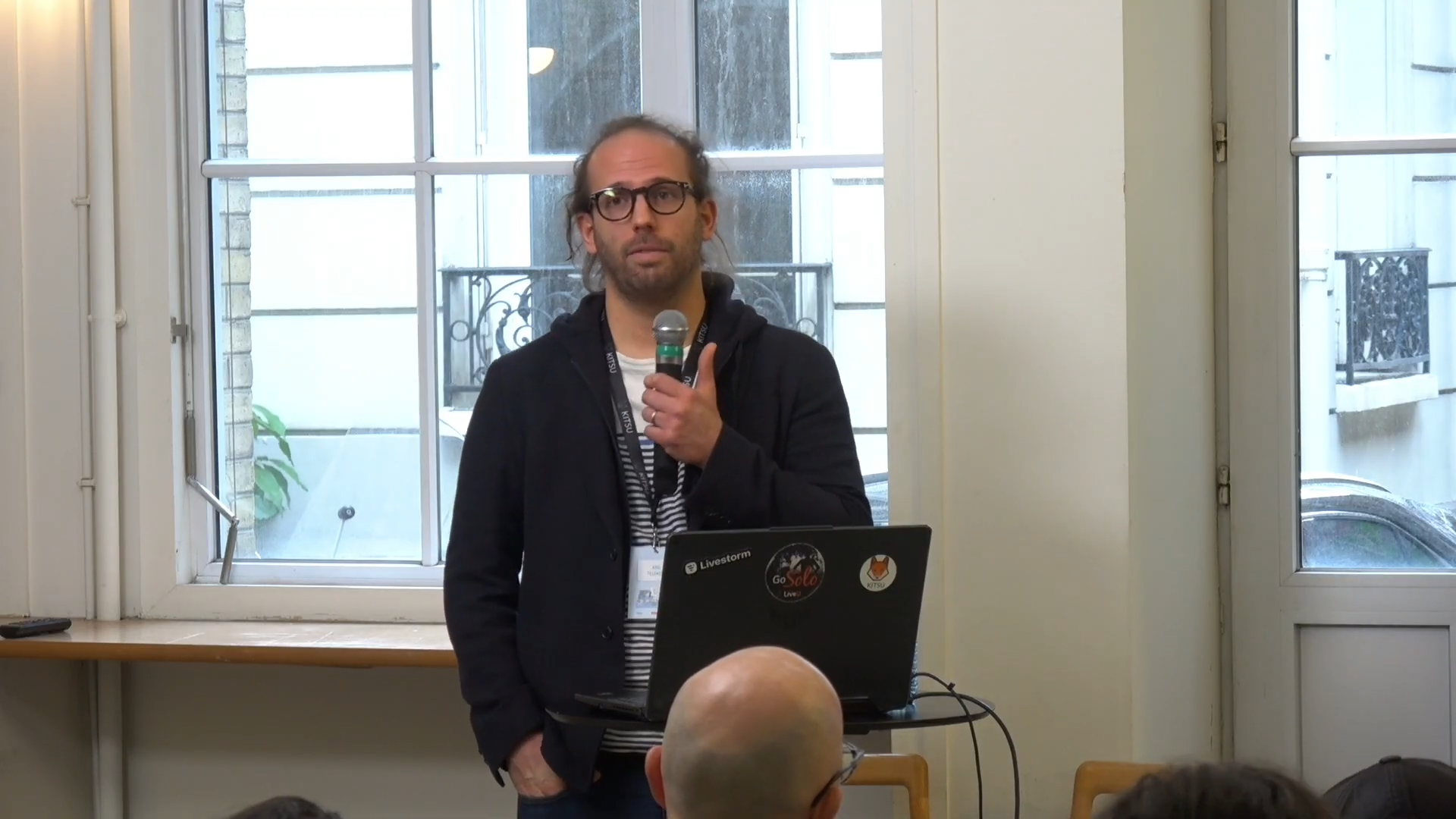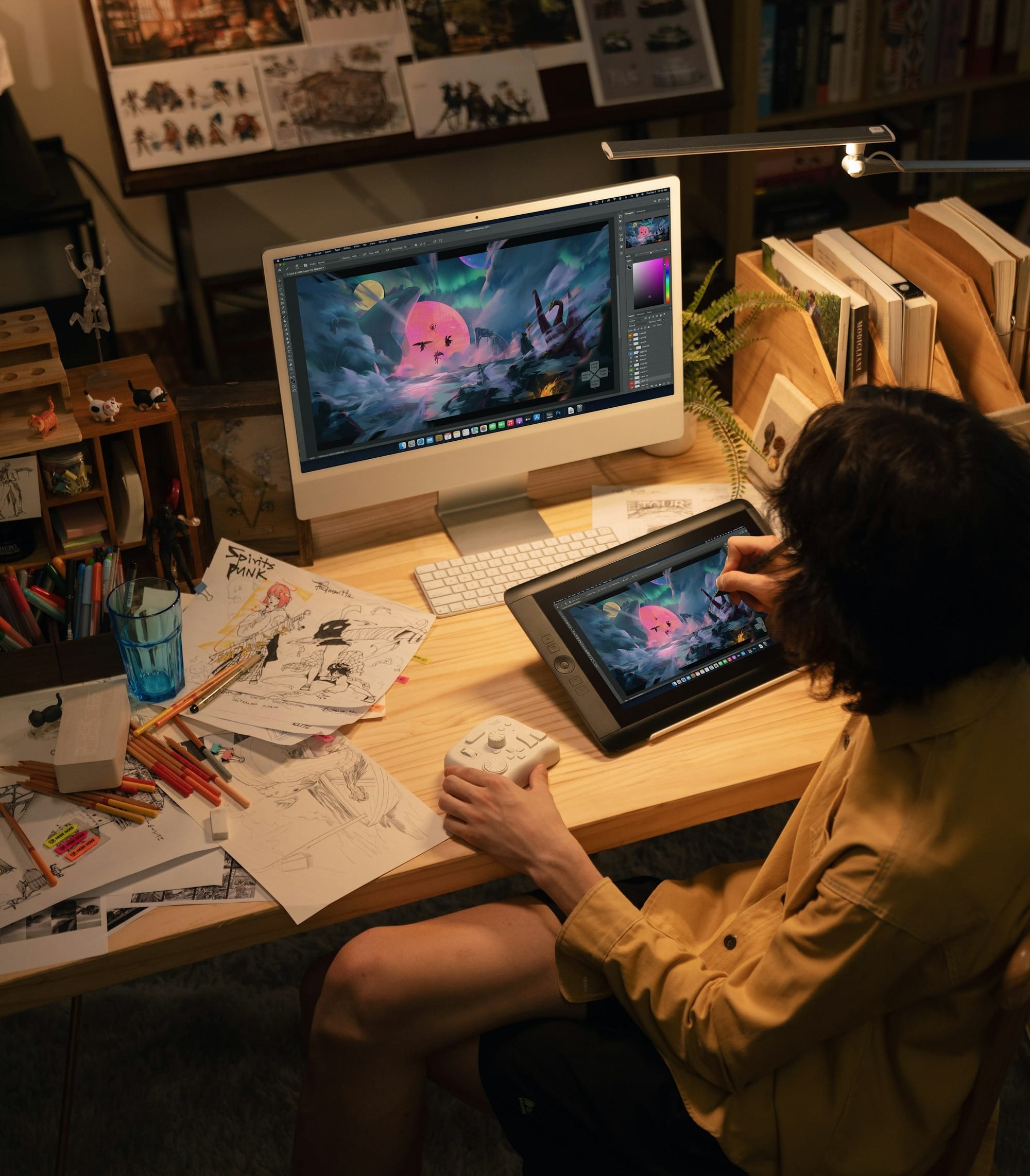
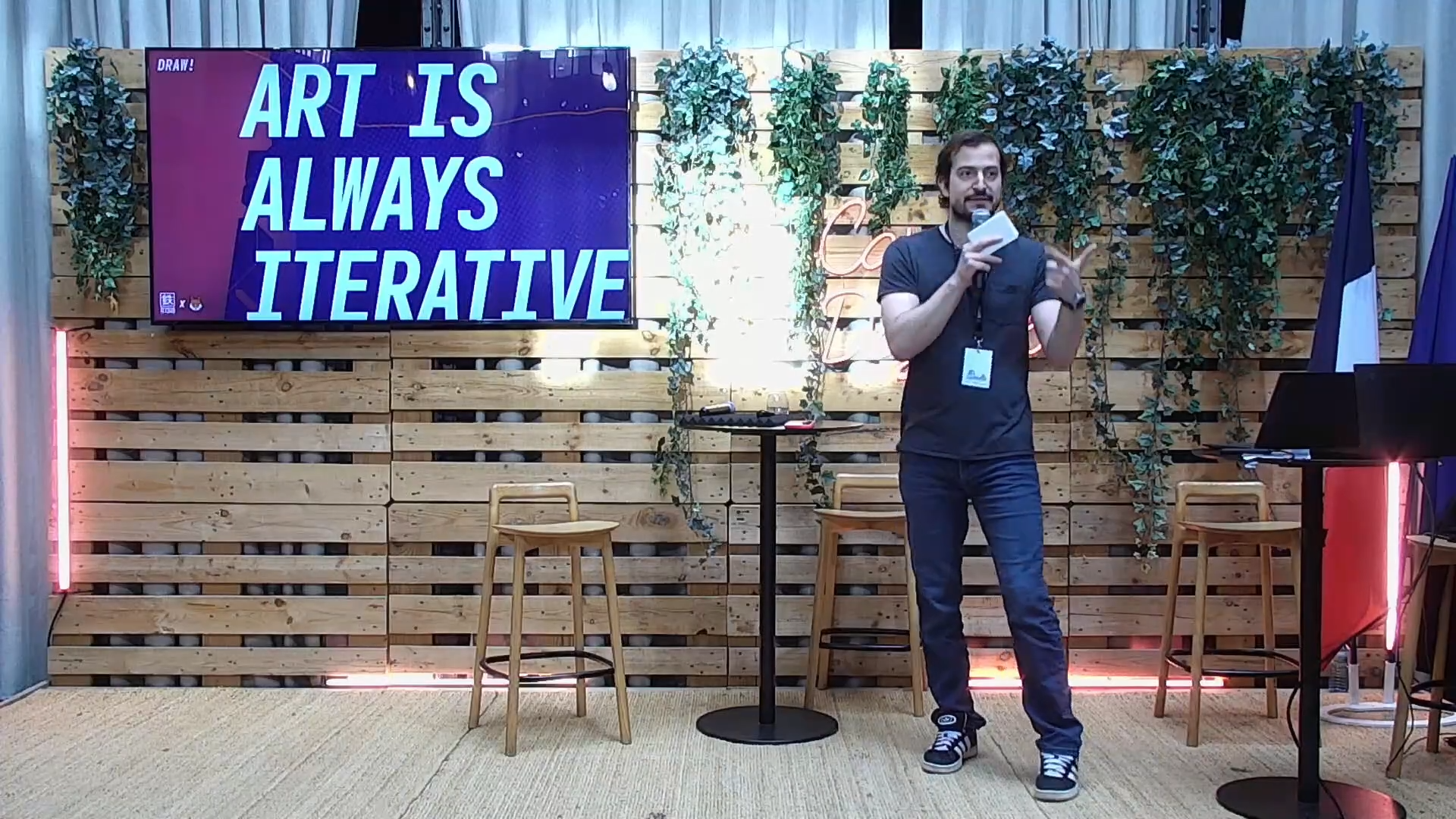
At the 2026 Kitsu Summit, Chris Unterberg, founder and animation supervisor at Tetsuo Animation, took the stage to share something that every animation studio deals with but rarely talks about openly: feedback. Not just how to receive it, but how to give it in a way that is clear, visual, and actually useful to animators.
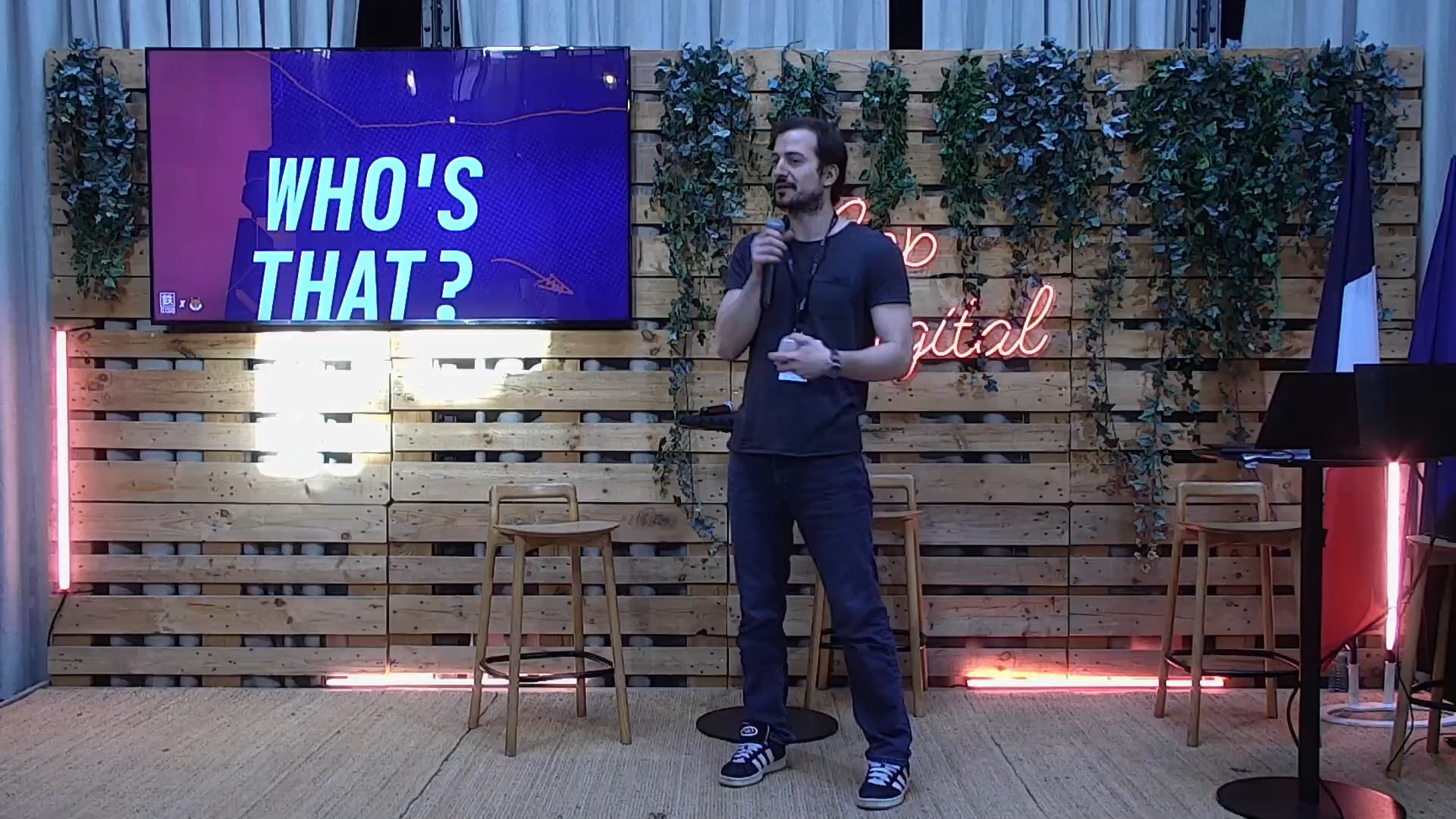
His talk, titled "Quickdraw Always Wins," was part technical walkthrough, part philosophy lesson, and entirely grounded in the day-to-day reality of running an animation studio.
Chris runs Tetsuo Animation, a studio based in Germany producing character animation for games, advertising, TV series, and cinematics. He is also an active contributor to Kitsu itself, having improved the review system's pen pressure support.
What makes his perspective especially valuable is his position in the production chain: "I'm between my clients and other stakeholders as well as my team," he explained. "I get feedback from my clients, but I also pass it on to my teams and I get feedback from them if it doesn't work for them."
Far from speaking from theory, he lives inside the feedback loop every day.
The Problem With Vague Feedback
Chris opened with a story from his early career that set the tone immediately.
His boss walked over, looked at something Chris had built, selected everything in the scene, pressed delete, saved the file so it could not be recovered, and said "Do it again." No explanation. No direction.
"I didn't learn anything," Chris said. "It just added to the stress. It just made the scope bigger because I had to do it twice now in the same time."
But here is the thing he was careful to point out: any feedback is not the answer either. "Random feedback on a shot means the person giving the feedback didn't care, they didn't look at it, or they didn't have time."
Feedback is necessary for learning, for keeping a production coherent, and for making sure more eyes catch more problems.
The real issue is feedback that is vague or unactionable.
He shared an example of the kind of email that lands in his inbox regularly, a long list of notes like "the logo could be a little bit more to the left and a little bigger." But which moment in the clip? Which logo instance? How much bigger? "What this basically says is: it looks weird. Please make it different."
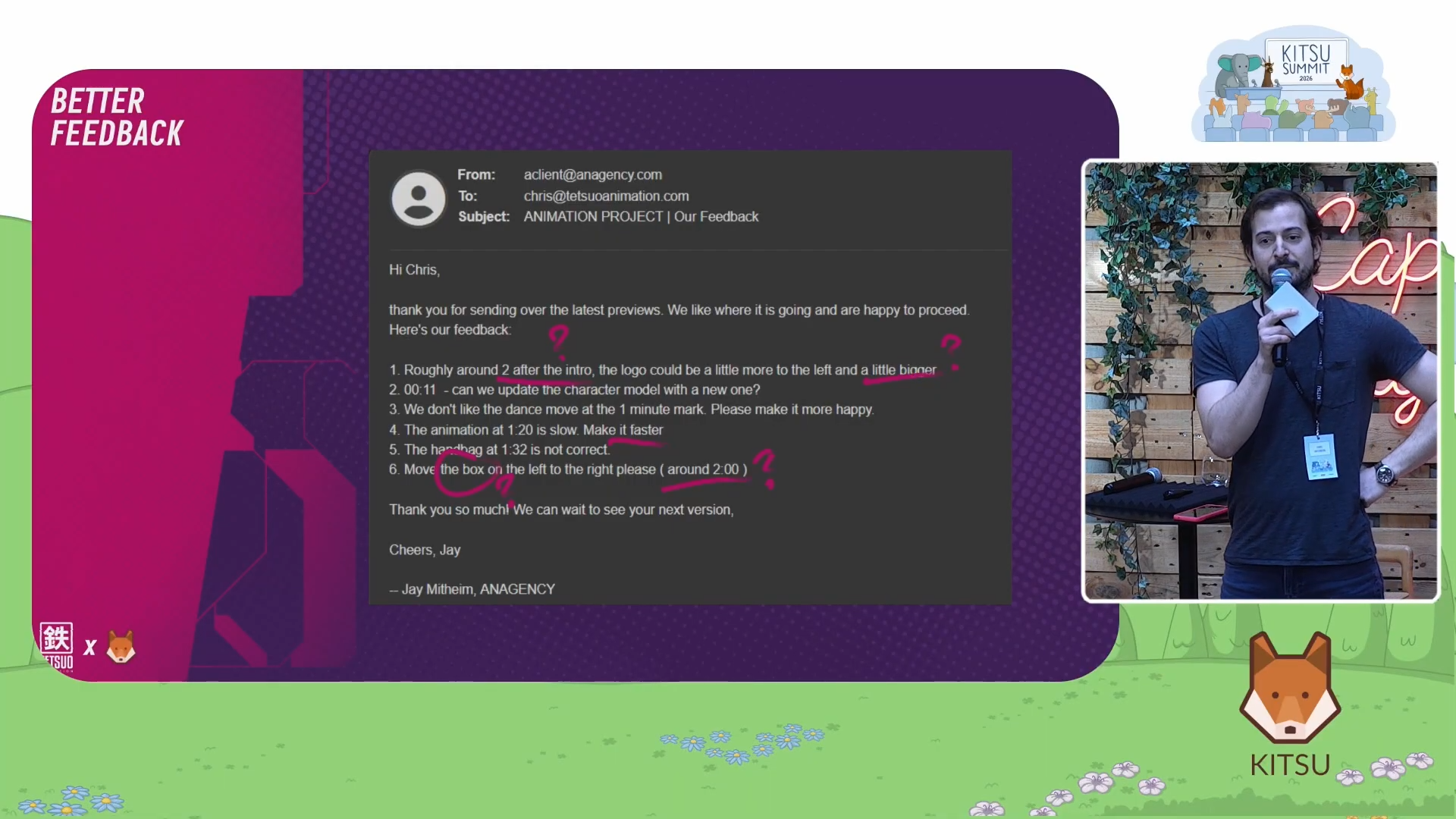
Without structure, teams start guessing. Edits keep accumulating. Artists burn out. "Our artists get to a point where they don't deliver the best thing they could, even if they are professionals, even if they are used to it."
The Solution: Visual Feedback In Kitsu
Chris's answer is to replace written descriptions with drawn annotations directly on the frame. Kitsu's review system allows reviewers to draw on the video frame itself, attach their note to a specific point in the timeline, and leave comments that link directly to the moment they are referring to.
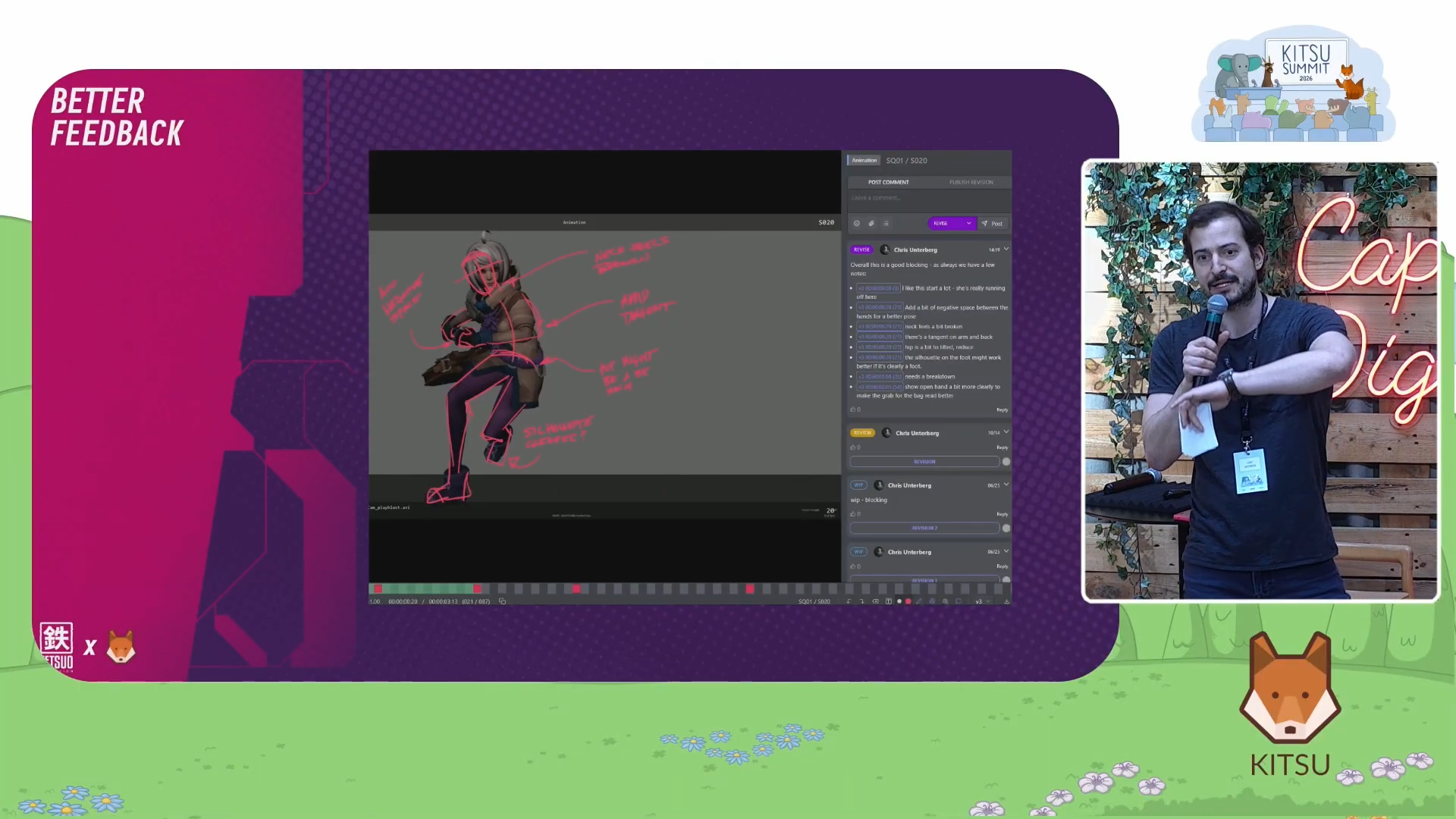
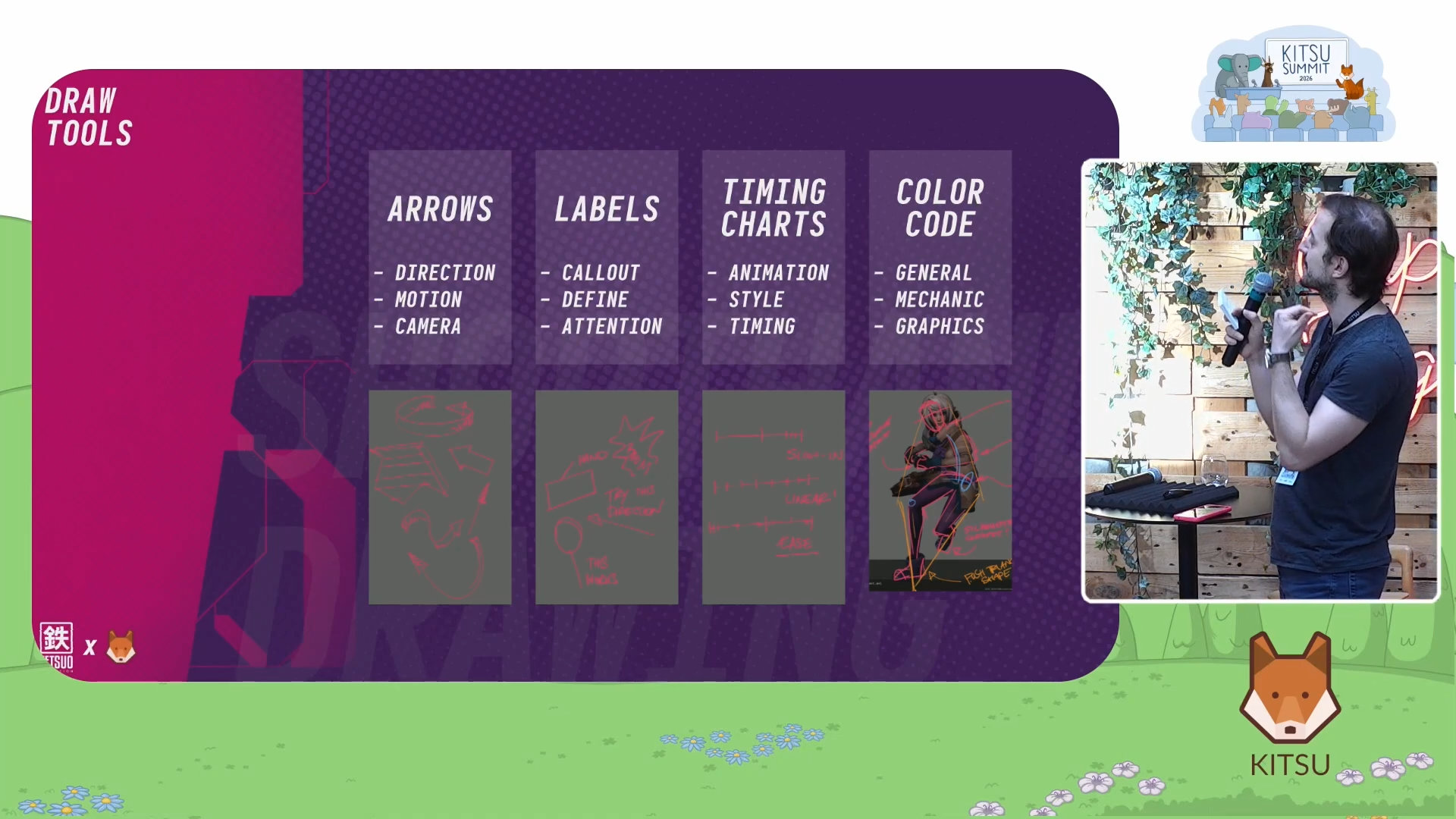
The tools he recommends are deliberately simple, hence the "quickdraw" name of the talk:
- Arrows to show direction of movement
- Labels and letters ("put an A in a circle and refer to character A, and everybody will know you mean the character on the left")
- Text written directly on the frame with lines pointing to the relevant area
- Timing charts, a technique from 2D animation that shows spacing between frames to communicate how fast or slow a motion should feel
He also uses a color coding system to make annotations immediately readable. Pink is for general notes. Blue is for line of action and structure. Orange is for graphic elements. "You can make up your own stuff. You can give all of your juniors green, for example. Just thinking about a structure with color gives you different aspects and makes it easy to see what you might mean."
One Kitsu feature he highlighted was the frame-linked comment: if you type "@frame" inside a comment, Kitsu inserts a clickable link that jumps the viewer directly to that moment in the video.
Combined with a consistent structure of a dash, the frame reference, and then the note, his team has built an internal tool that turns these comments into a task list that turns green when items are completed. The notes even sync with Maya so that clicking a comment jumps to the corresponding frame in the 3D software.
Using Kitsu's Sync Feature For Shared Review Sessions
One of the features Chris relies on is Kitsu's sync playback.
He uses it in daily review sessions by creating shared playlists where everyone, client or team member, sees the same frame at the same time. Reviewers can all draw on the same frame simultaneously.
"You can have a meeting with multiple Kitsu users that are all on the same playlist and they can all draw on the same thing. That means you can talk about very specific things at a very specific time."
This review engine replaces scattered email threads with a single shared visual record.
Creating A Safe Space For Clients
Getting clients to actually use these tools requires removing the fear of "doing it wrong."
Chris built a dedicated client review task inside Kitsu, separate from the main production pipeline. It is only visible to clients, shows only the latest version up for discussion, and is populated automatically using Kitsu's status automation features.
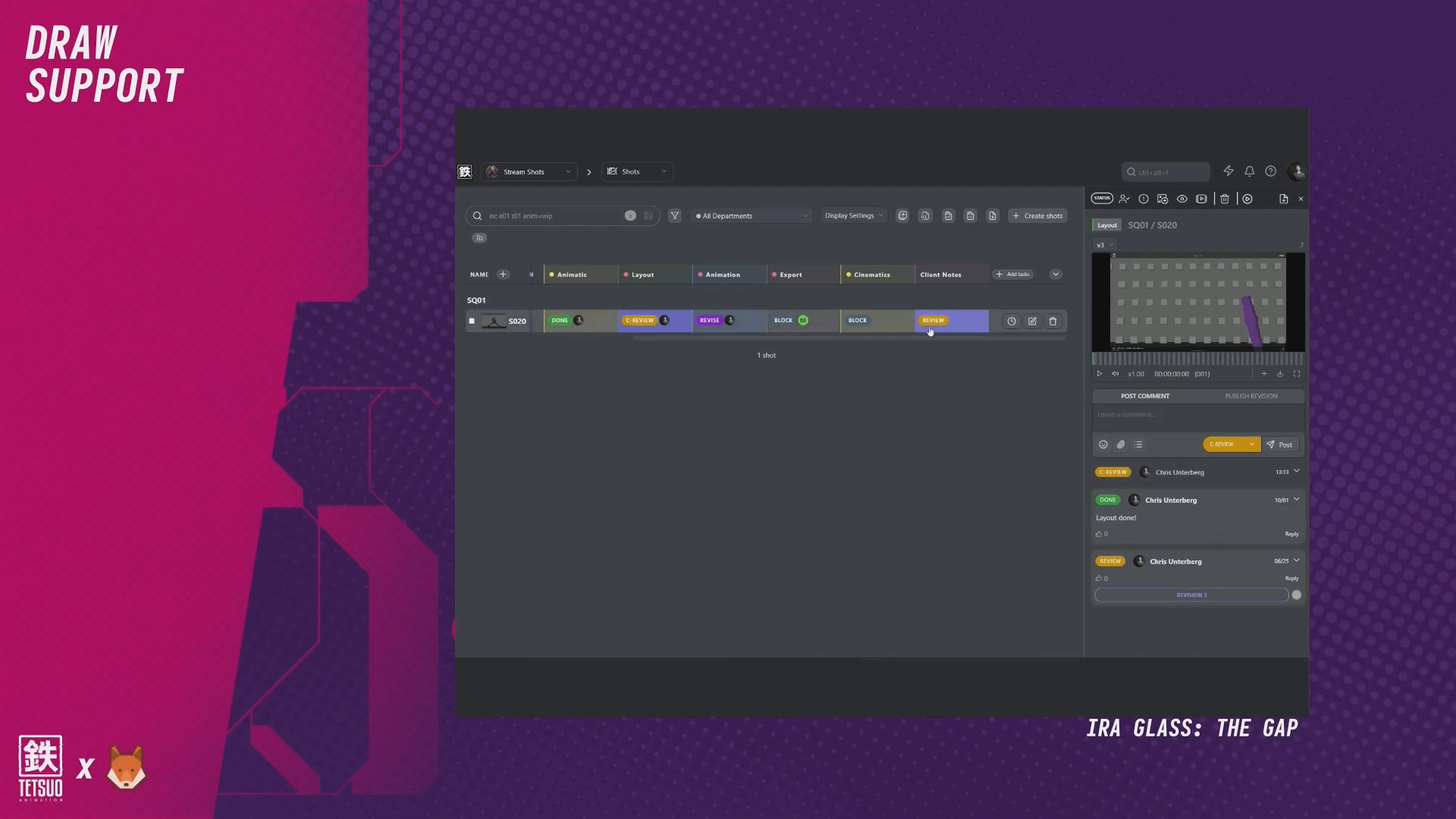
He triggers the flow by setting a "C Review" status on a task, which automatically sends the latest preview into the client review task without requiring a manual upload. Kitsu's "import last revision" feature handles the file transfer. "I tell them: whatever you do here is yours. Nobody's going to see it but me or the other leads, and you cannot mess up anything."
He also encourages clients to draw rough and fast: "It's better if you're fast and loose. Use the speed of the mouse to get something that feels like pressure sensitivity rather than the perfect image." The whole point is clarity rather than artistic accuracy.
Different People, Different Feedback, One Shared Language
A key insight from Chris's talk is that feedback quality depends heavily on who is giving it.
Art directors know what they want but have little time to explain it. Producers understand client language. Branding teams care about logo placement. Directors think about the emotional flow of the whole film.
"Every single one of those eyes is important to the final product." His goal is not to turn everyone into an artist, but to give every stakeholder, regardless of their role, a shared visual language for communicating what they see.
"Once we can get everyone involved to give visual feedback, we get team ownership of the shots and we build a communication tool, a language that the whole team shares. One of color, one of detail, one of how to give structured feedback."
Key Takeaway For Animation Studios
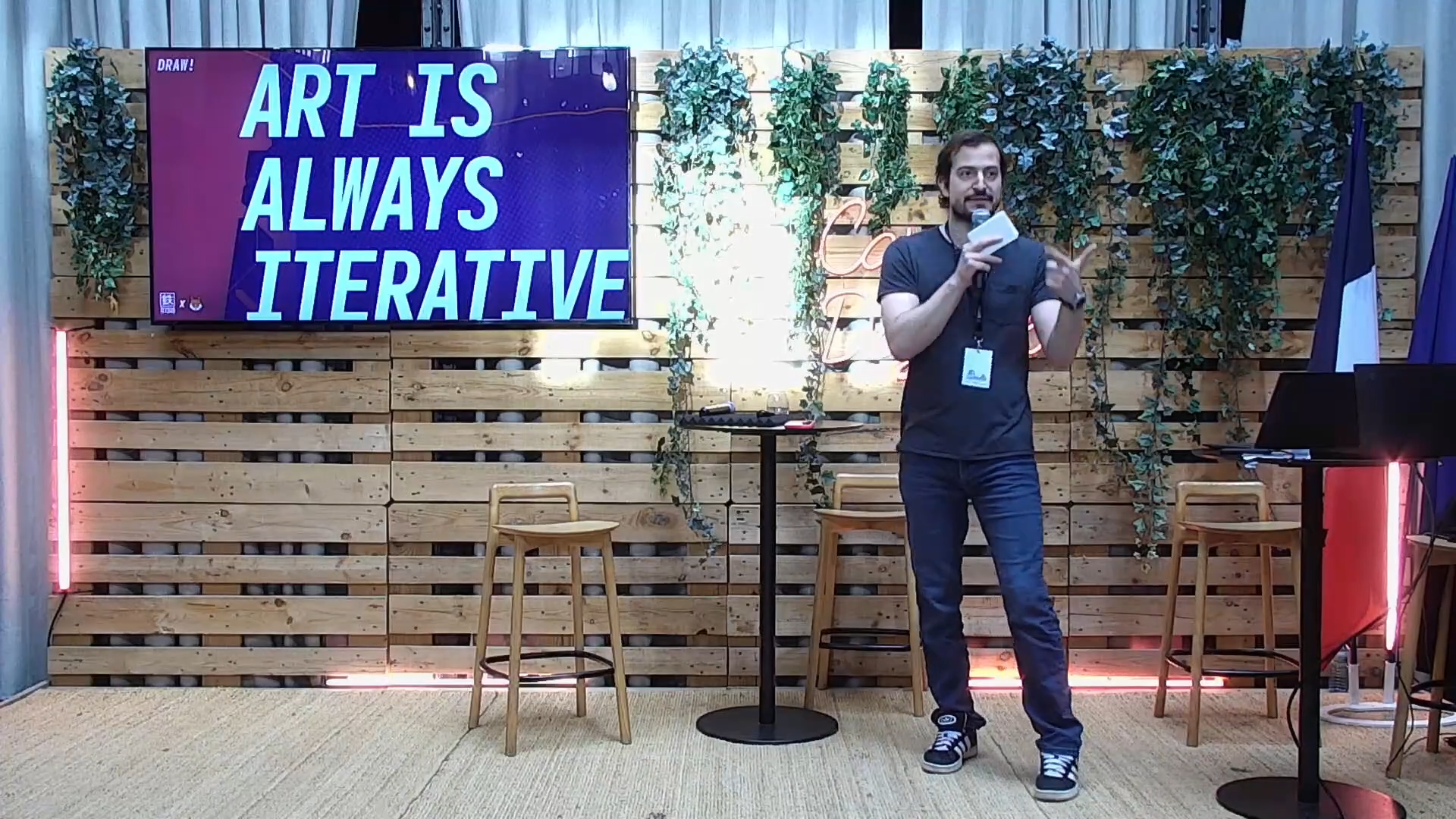
Chris's talk is a practical argument for treating feedback as an important tool for animation studios, rather than an afterthought.
The tools exist inside Kitsu today: drawn annotations, frame-linked comments, shared sync playback, status automations for client review pipelines... What studios need is the discipline to use them consistently and the willingness to invite everyone, clients included, to participate.
"Invite everyone to draw on the frame. Invite your clients, invite your stakeholders. Just do a bad drawing in your meeting where you share the screen with them and show them how to do it."